

Play Christmas Bingo Online With Friends or Coworkers (Free)
By GameBuddies Team — 2026-11-25
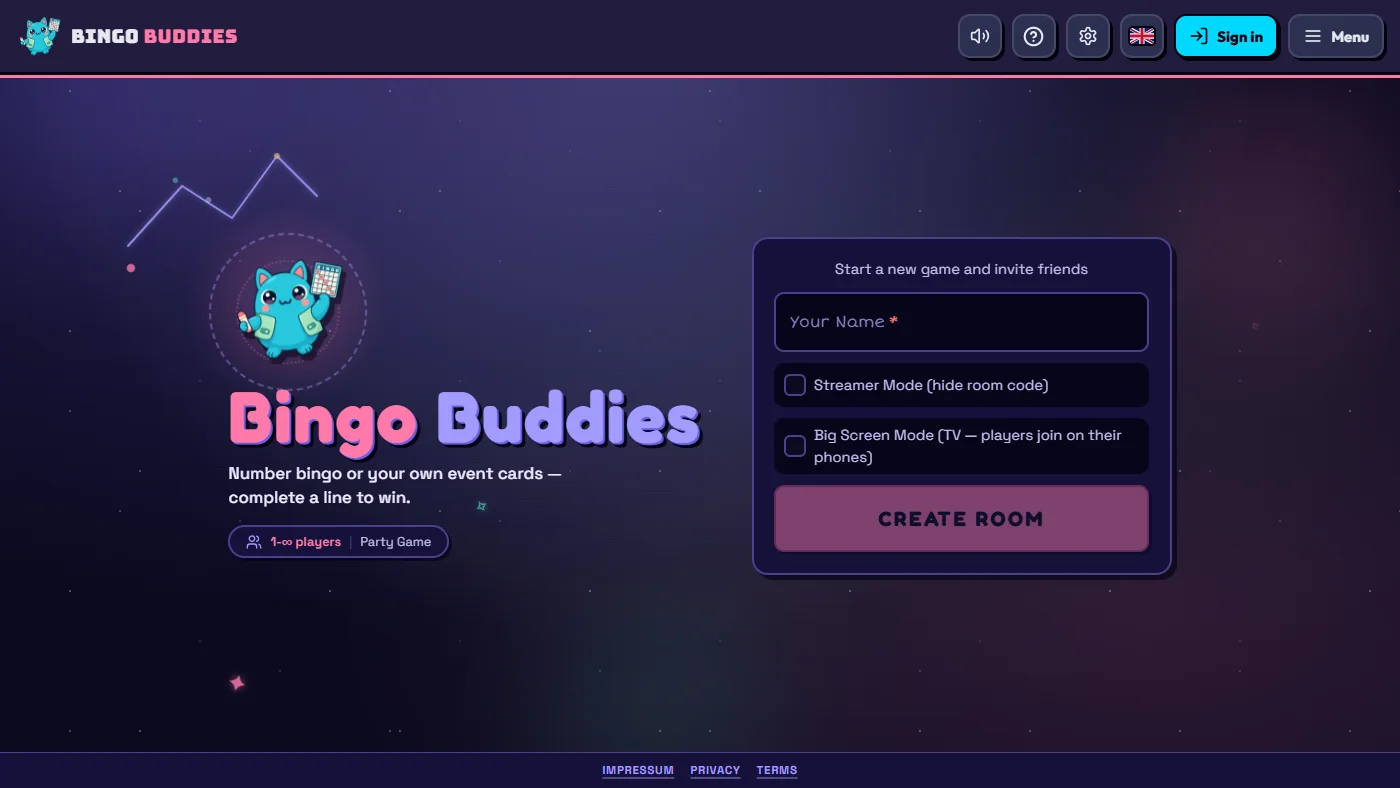
Christmas bingo online works best when every player builds their own card from one shared Christmas list. Open Bingo Buddies, choose Custom cards, paste the room link into the Zoom, Teams or family chat, and everyone fills a 3×3, 4×4 or 5×5 card. Below: a 40-square Christmas list to copy, the five-minute setup, and what to expect at a work party.
It is free, it runs in the browser on phones and laptops, and guests need no account.
First, an honest note
There is no ready-made Christmas card in the game. The Christmas part is the words, and your group writes them. That is also why it works: the squares are about your own party ("the boss wears antlers"), not about a stock picture of a snowman. The list below gets you started in a minute.
Two ways to play bingo at Christmas
| Custom cards (Christmas words) | Classic 75-ball | |
|---|---|---|
| On the card | Squares your players write | Numbers the game deals |
| Who calls | Nobody: you tap a square when it really happens | The game draws the numbers |
| Good for | A Christmas call, an office party, a Christmas movie night | A quick classic round with no prep |
| Prep | Each player fills a card (2–5 minutes) | None |
For Christmas, Custom is the fun one. Classic is there when you just want a quiet round of numbers after dinner.
Set it up in five minutes
- Open a room. Go to Bingo Buddies, create a room and choose Custom cards. Pick 3×3 for a short round or 5×5 for a whole evening.
- Send the link and the list. Paste the room link into the meeting chat, then paste the Christmas list below. Everyone picks their own squares from it and puts them in their own order, so no two cards are the same.
- Fill the cards. Each player types their squares into their card in the game. If someone is still typing when you want to start, the host can close the round: anyone without a finished card gets one mixed from the words the others already typed.
- Play. Nobody calls anything. When a square happens for real, its owner taps it. The first full row, column or diagonal wins, and the game announces BINGO by itself.
Faster on a laptop: on the Bingo Buddies page there is a card builder. Paste the whole list there (one square per line), tap Shuffle and start. The builder takes the first 9, 16 or 25 lines, and the card fills itself in when you open the game in the same browser.
40 Christmas bingo squares to copy
Pick the ones that fit your group. Each one is something everybody on the call can see or hear, so nobody argues about whether it counted.
On the call
- Someone is on mute while talking
- Someone joins late and says "what did I miss?"
- A pet walks through the picture
- Someone's camera shows a Christmas tree
- A child appears on screen
- "Can you hear me now?"
- Someone's video freezes
- Someone eats on camera
- Someone has a Christmas background
- Two people talk at the same time
What people wear
- A Christmas jumper
- A Santa hat
- Reindeer antlers
- Something with lights on it
- Something glittery
- Matching outfits on one screen
- A scarf indoors
- Someone in pyjamas
What people say
- Someone mentions snow
- Someone mentions travel plans
- Someone says "Merry Christmas" first
- Someone complains about the cold
- Someone mentions a Christmas film
- "Have you finished your Christmas shopping?"
- Someone mentions what they are cooking
- Someone mentions the end-of-year rush
- Someone mentions a Christmas market
- Someone hums or sings a Christmas song
Food and drink
- A mug of hot chocolate
- Mulled wine or punch
- Christmas cookies on camera
- A candy cane
- Someone shows their dinner
- A plate of mince pies or stollen
Around the room
- Fairy lights in the background
- A wreath or a stocking
- An advent calendar
- Wrapped presents visible
- A candle burning
- Snow outside a window
Make it a work party game
- Keep the meeting tool. Teams, Zoom or Meet stays open for voice and faces; the bingo runs in a browser tab next to it. Nobody shares a screen.
- Write the squares about your team. Swap five list squares for things only your office would get: the printer, the Friday stand-up, a running joke. Keep them kind: a square nobody wants to be the target of is not a fun square.
- One card, one evening. A 5×5 card about the call runs in the background for the whole party. Start it at the beginning and let the other games run around it.
- Big team? Bingo is the one game that fits a whole department in one room. For everything else, see virtual Christmas party games, with a 45-minute plan.
FAQ
Is Christmas bingo on GameBuddies.io free? Yes. No per-player fee, no download and no account for guests. The site is financed by ads and an optional Premium membership.
Is there a printable Christmas bingo card? No. This is bingo you play together online: each player fills their card on their own phone or laptop, and the game checks the lines.
Can the game call Christmas words for us? No. In Custom mode nobody calls: the squares happen for real during your party and you tap them. If you want a caller, play Classic 75-ball with numbers.
How many people can play? From two players up to a whole team in one room. Smaller cards (3×3) suit short rounds, 5×5 suits a long evening.
Does it work in Microsoft Teams or Zoom? Yes. Paste the room link into the meeting chat. The game runs in the browser, so nothing has to be installed or approved by IT.
More bingo: how to play online bingo with friends and 36 icebreaker bingo questions.