

Free Classroom and ESL Warm-Up Games to Play Online
By The GameBuddies Team — 2026-07-11
The best free online classroom games are Schooled (a quiz built for a whole class), Letter Rush (vocabulary categories — great for ESL) and Bingo Buddies (make custom cards for any lesson) — all free, browser-based, with no student accounts required.
Teachers need tools that work on locked-down devices and don't ask 30 kids to sign up. These do.
Games that work in a lesson
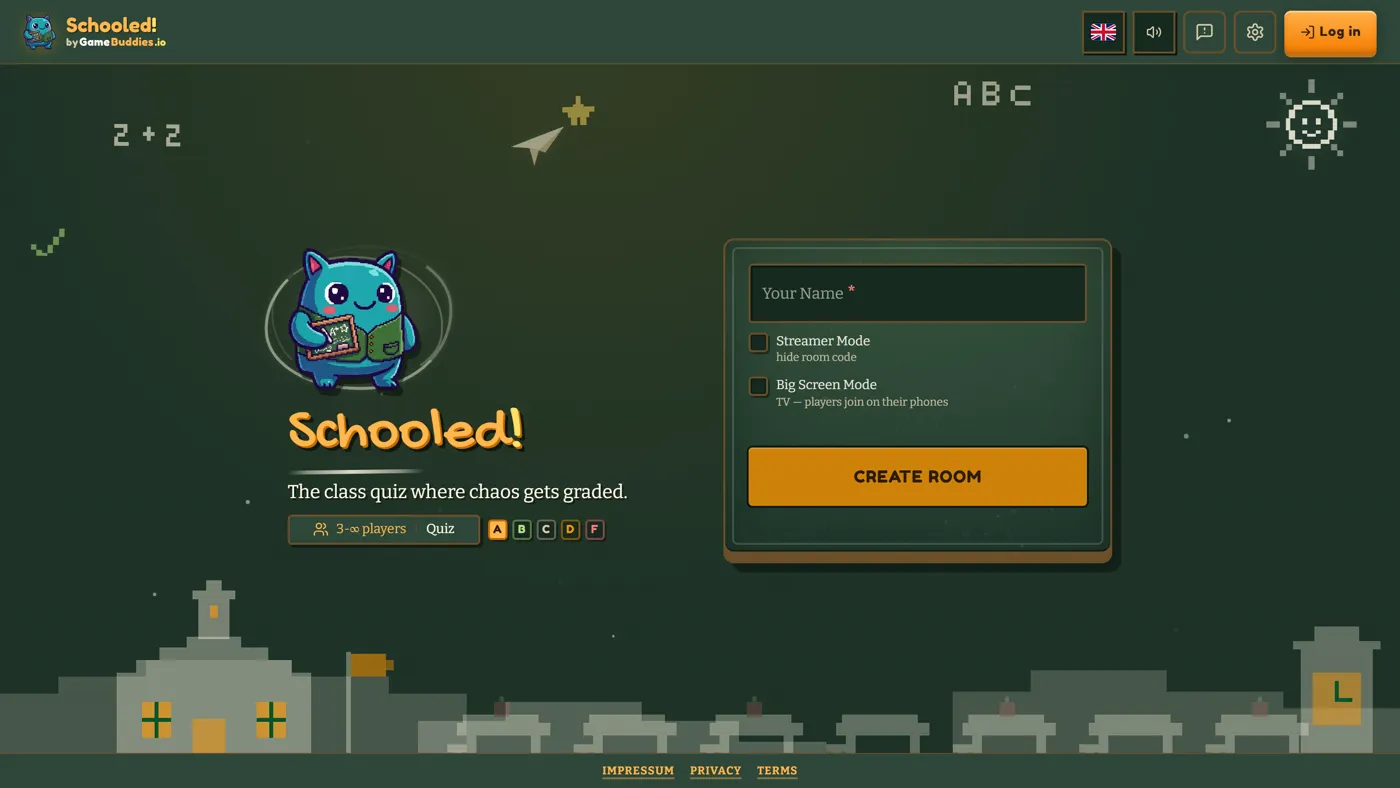
- Schooled — a fast, fun quiz with drawing boards; scales to a whole class. Turn review into a competition.
- Letter Rush — fill categories with words starting from a random letter. Excellent ESL vocabulary practice and warm-ups.
- Bingo Buddies — make custom bingo cards for any topic (vocab, dates, concepts) and play live.
- Decoded — describe words with emojis; light, fun, great for energy dips.
Students join with a room code — no account, no install.
Concrete lesson-warmup scenarios
- Five minutes before a review test: run one quick round of custom Bingo Buddies with the unit's key terms or dates already loaded onto the cards. It's a low-pressure way to surface what students remember before the real test.
- ESL speaking or vocabulary warm-up: Letter Rush forces quick word recall under a timer, which is exactly the kind of low-stakes speaking practice that gets quieter students talking without singling anyone out.
- End-of-unit review day: Schooled turns a review session into a class-wide competition instead of a worksheet. Works especially well right before a test when you want energy in the room, not silence.
- Transition filler between activities: a single round of Decoded fills five minutes while you reset for the next activity, with no setup required.
Teacher hosting tips
- Create the room before class starts. Set it up from your own device a few minutes early so you're not fumbling with settings while 30 students are waiting.
- Put the room code where everyone can see it. Write it on the board or display it on the classroom projector or TV screen — students join from their own device using that code, no link-sharing needed.
- You control the settings, not the students. Round length, categories, difficulty — set these once as the host so the class isn't debating settings instead of playing.
- No installs means no fighting with school IT. Everything runs in a browser, so it works on Chromebooks, tablets, and school-issued laptops without needing anything pre-approved or installed.
- Establish "how to join" once, then reuse it. Show students the join flow the first time you use it, and it becomes routine for every session after.
Which games fit which age or level
- Younger students / early vocabulary: custom Bingo Buddies cards, since you control exactly which words or concepts appear.
- ESL classes at any level: Letter Rush scales with the difficulty of the categories you choose — simple categories for beginners, abstract ones for advanced speakers.
- Older students / full-class review: Schooled handles a whole class and adds a competitive edge that works well with teens.
- Any age, quick filler: Decoded — as long as students can read, it works as a five-minute reset.
If you're not sure where to start, match the game to the goal rather than the age group: use Bingo Buddies when you need to control exactly what appears on screen, Letter Rush when you want students producing language out loud, and Schooled when you want the whole room competing at once.
Why browser games fit the classroom
No software to get past IT, no logins to manage, works on Chromebooks, tablets and phones, and you control the room. Free, with no ads.
How to start
Open Schooled → Create Room → share the room code on the board. Students join and you're playing.
FAQ
Do students need accounts? No — they join with a room code as guests.
Will it work on school Chromebooks? Yes — it runs in any modern browser, nothing to install.
Is it free for a whole class? Yes, no per-seat cost.
Good for ESL? Yes — Letter Rush (vocabulary) and custom Bingo are ideal.
How many students can join? A whole class — Schooled is built for big groups.
Can I control what topics come up? Yes — for Bingo Buddies you make the cards, and for Letter Rush you pick the categories. It's set once by the host, not the students.