
Virtual Game Night Ideas (Free, No App, No Signup)
By The GameBuddies Team — 2026-07-11
The simplest virtual game night is a free browser game everyone joins from one link — no app to install, no account to sign up, works across phones and laptops. GameBuddies has games with built-in video chat, which covers most of what makes hosting a virtual game night hard in the first place.
This is the part people usually skip: not which games to play, but how to actually run the night so it doesn't fizzle out after twenty minutes.
Step 1: Get everyone connected
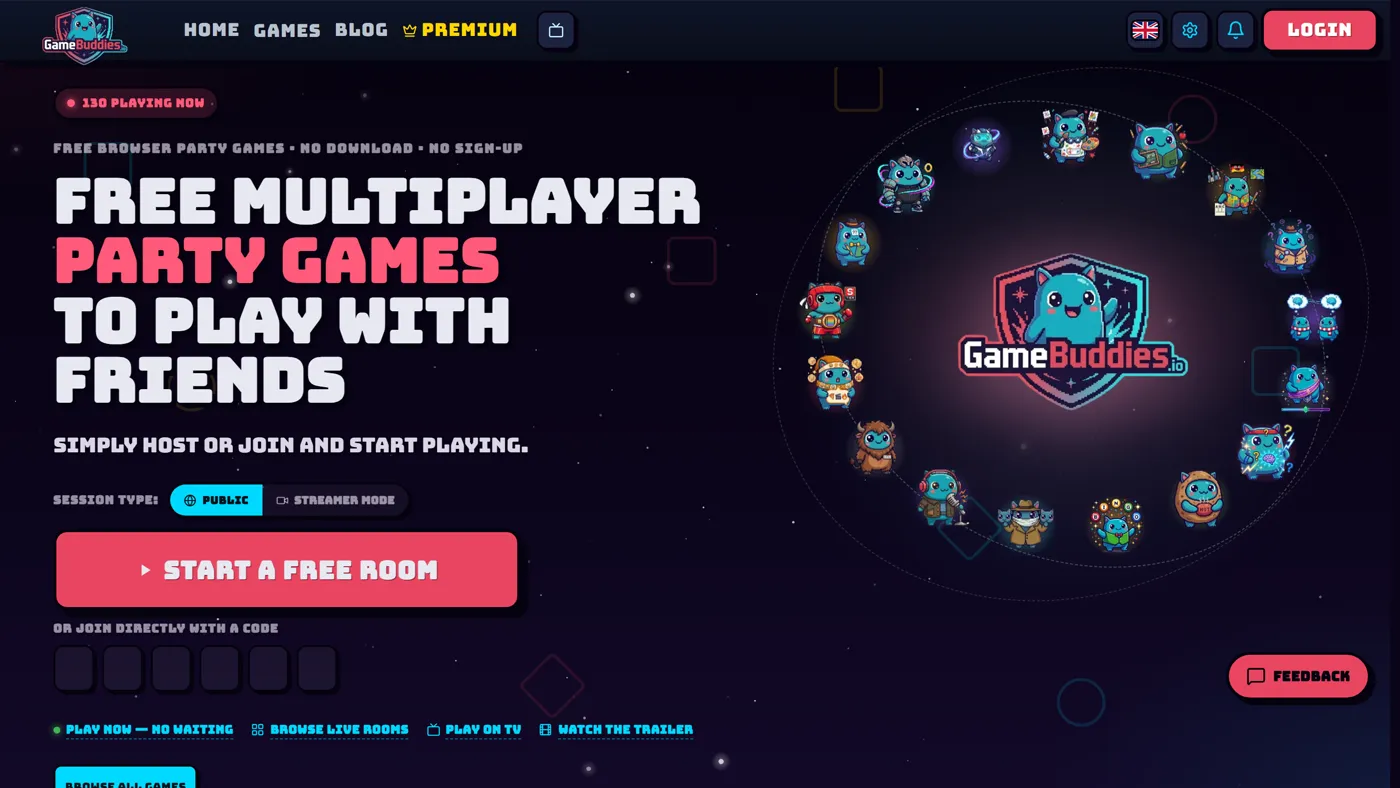
Head to gamebuddies.io/games and pick a game. Click Create Room, enter your name — no account needed — and you'll get a shareable link. Drop it in your group chat. Everyone clicks it and joins instantly, on whatever device they have in front of them: phone, tablet, or laptop.
Once a game ends, use the "Try Another Game" button in the header to hop straight into a different game without anyone having to rejoin or re-enter a link. That one feature does more to keep a night moving than almost anything else — nobody drops off between rounds waiting for a new invite to land.
Step 2: Build a lineup, not a single game
A single game, however good, runs out of steam after 20-30 minutes. Three or four games in a deliberate order works better than one game played for two hours. A structure that works well:
- Warm-up (10-15 minutes): something fast and low-stakes that gets everyone talking before the "real" game starts. Decoded (guess the word from emoji clues) or Letter Rush (categories against a random letter and a clock) are good openers — quick enough that latecomers don't miss much.
- Main event (30-40 minutes): the centerpiece. This is where you want something with more depth — a full trivia game, an elimination format, or a social deduction game where people actually argue with each other.
- Finisher (10-15 minutes): end on something lighter and creative rather than another head-to-head competition. A drawing or guessing game works well here because it doesn't matter who "wins" — everyone's just enjoying the last round together.
You don't need to plan every minute. The point is: pick an order rather than defaulting to whatever the group asks for first, because the first suggestion is rarely the best opener.
Step 3: Pick a theme if you want one
Themes aren't required, but they give a night a bit of shape and make the invite more fun to send. A few that work well with browser party games:
- Deduction night: lean on social-deduction games where players get secret roles or words and have to bluff or spot the odd one out. Good for groups that like arguing and reading each other.
- Quiz night: run back-to-back trivia and elimination-style quiz games. Works well as a recurring weekly thing since you can rotate categories.
- Creative night: center it on drawing and collaborative games, where the "winner" matters less than the results everyone makes together.
- Mixed night: the safest default — one of each type, in the warm-up/main-event/finisher order above.
None of this needs decorations or a costume theme unless your group is into that — the "theme" here is really just a way to pick games that pair well together instead of grabbing whatever's first on the list.
Step 4: Handle voice and video
For voice, either jump on a Discord call the way you normally would, or use the built-in video chat that some games have — the webcam sits right in the same tab as the game, so you don't need a second app open. If your group already lives on Discord, keep using it; there's no need to switch just because a game happens to have its own camera support.
Step 5: Let one person drive
Give one person — usually whoever set up the room — control of the game settings: round length, categories, difficulty, whatever the game exposes. This avoids the "too many cooks" problem where five people are shouting different settings at once before anyone's even started playing. If a game has a host or gamemaster role built in, that person naturally becomes the one keeping pace, which also gives one player a fun job instead of just another seat at the table.
Pacing tips
- Set a real start time. Treat it like an actual event on the calendar, not a "whenever people show up" thing — attendance is much better when there's a specific time to log on for.
- Three to four games is the sweet spot. Fewer and the night feels short; more and people start checking phones between rounds.
- Build in a five-minute breather between the warm-up and the main event, especially if people are still trickling in. Nobody minds a short pause; everyone minds being rushed.
- Watch energy, not the clock. If a game is landing well and people are still laughing, let it run long. If it's dragging, cut to the next one rather than forcing it to a natural end.
- An hour is a fine target. You don't need a whole evening blocked off — a one-hour night with three tight games often lands better than a loose three-hour one where half the group drifts off partway through.
Troubleshooting common problems
- Someone can't join the link. Almost always a stale tab or a copy-paste issue — have them close the tab fully and click the link fresh rather than reloading it.
- Mixed devices causing confusion. Phones and laptops can all join the same room, but give phone players a heads-up that a bit more screen space helps for typing or drawing — not a dealbreaker, just a courtesy.
- One player dominates every round. Rotate who gets to be the host or gamemaster if the game has that role, or switch to a game with a different format so the same skill set isn't rewarded twice in a row.
- Energy dips halfway through. This is what the finisher slot is for — swap to something short and creative rather than trying to push through with more of the same format.
- Camera-shy players. Video chat is there if people want it, but nobody needs to turn their camera on to play. Don't make it a requirement.
A ready-made 3-game lineup (about an hour)
If you want to skip the planning and just run something tonight:
- Warm up with Decoded or Letter Rush.
- Main event: Bluffalo (fake-answer trivia) or Last Brain Standing (elimination quiz).
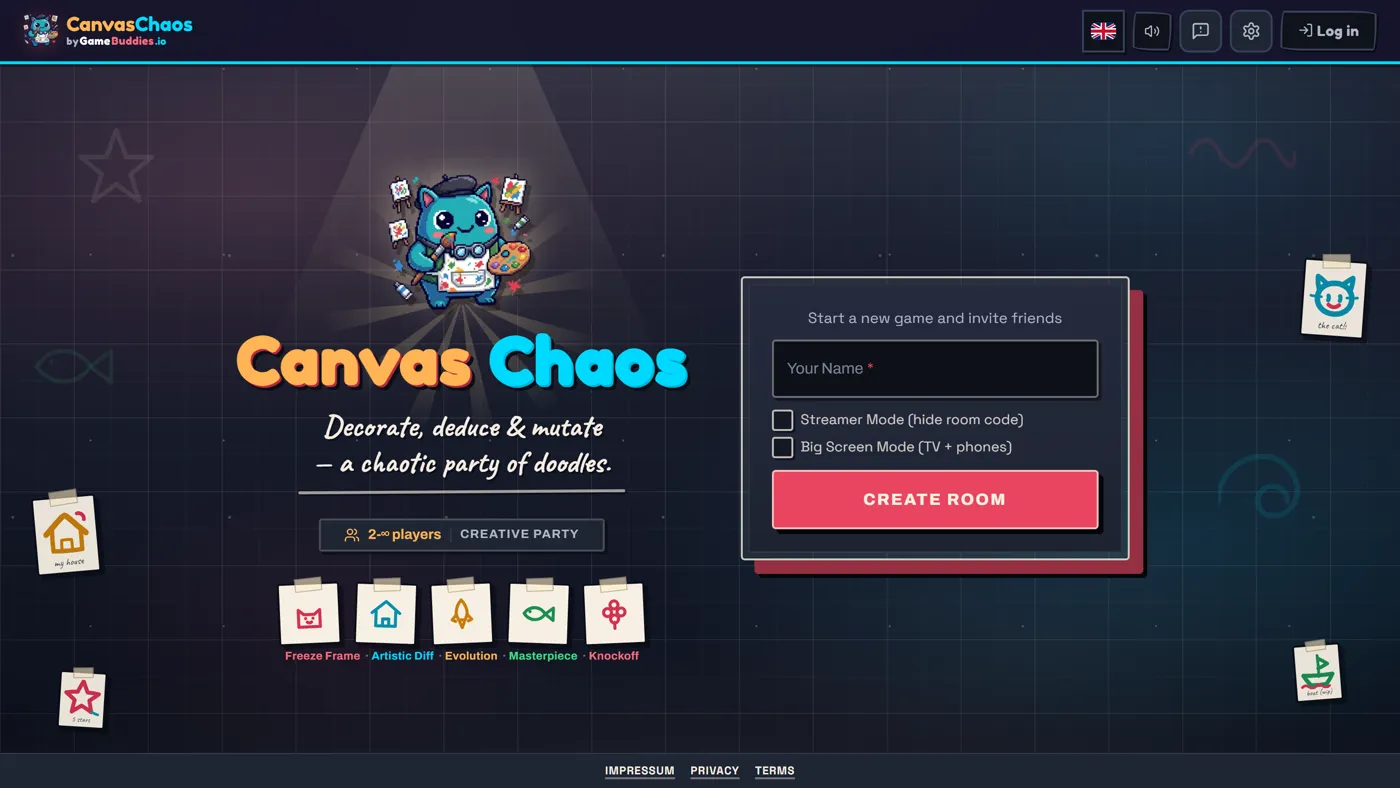
- Finisher: Canvas Chaos to end on something creative.
Switch between them with the "Try Another Game" button — nobody has to leave the room or rejoin.
FAQ
What do I actually need for a virtual game night? A browser and a link to share. No app, no account, no software to install.
How many people can join? Anywhere from two people to a full party — some games scale past 20 players. See our big group guide if you're hosting a crowd.
Is it free? Yes, completely free, with no ads interrupting rounds.
What's the best game to open with? Something fast and low-stakes like Decoded or Letter Rush — save the bigger centerpiece game for once everyone's settled in.