
Best Browser Games to Play With Friends (2026)
By The GameBuddies Team — 2026-06-03
The best browser games to play with friends start in seconds — free, no download, no account, from a single link you drop in the group chat. Below are 17 of them on GameBuddies, sorted by the kind of group you've actually got, plus the parts most "best games" lists skip: why no-download actually matters, what separates a good browser party game from a bad one, and how the whole thing works end to end.
The usual complaint about free game sites is always the same: laggy, ad-choked, a sign-up wall before you've even seen gameplay. The games below are the opposite — instant load, real-time multiplayer, and most of them ship with video chat built into the game tab, so you're not running a separate call app on the side. None of it requires the host to own anything or install anything either; a browser tab is the only requirement for every seat at the table.
Top picks by group size and mood
Best for a mixed group (some non-gamers)
- Bluffalo — invent a convincing fake answer to a real trivia question and vote on which one is true. Funny by round one, no skill barrier, and nobody feels behind for not knowing "gamer" conventions.
- Last Brain Standing — elimination quiz where the room votes the dumbest answer out each round. Plays like a quiz-show crossed with a battle royale: everyone answers at once, and there's no "teacher" reading questions out loud to slow things down.
Best for two players
- ThinkAlike — say the exact same word as your partner without discussing it first. Quietly addictive, and one of the rare party formats that's actually built for exactly two people instead of tolerating them.
- ClueScale — guess where something lands on a spectrum from a one-line clue, closer to a browser version of the board game Wavelength than to a trivia quiz.
- BlindSpot — a word gets stuck to your forehead that only the other person can see; ask yes/no questions until you guess it.
Best for a big group (10+)
- Schooled! — a chaotic classroom-style quiz built to hold a large room together without the host drowning in admin.
- Bingo Buddies — custom bingo cards for pretty much any topic or event; the browser equivalent of a paper bingo card without the buying or the paper.
Best for creative and drawing groups
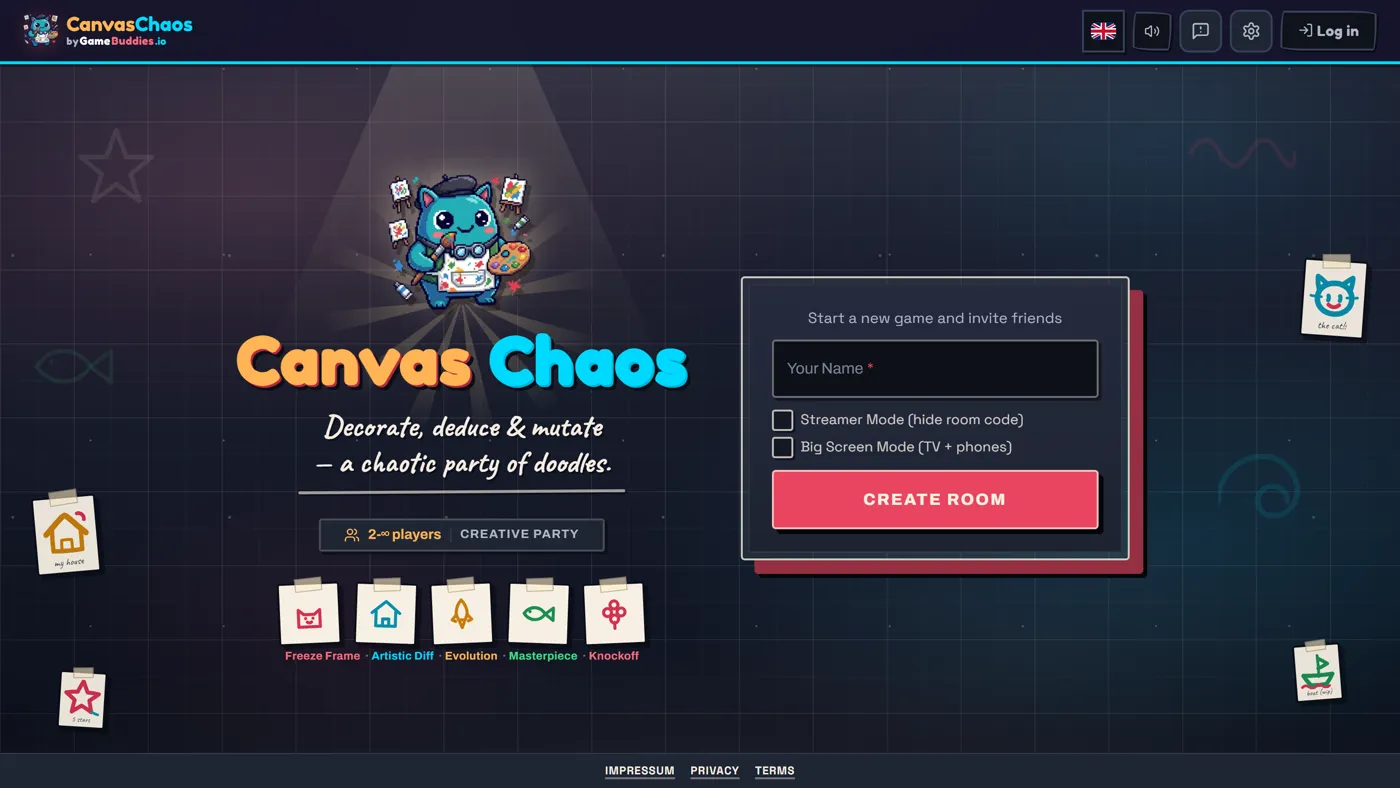
- Canvas Chaos — several drawing modes in one game, including telephone-style chains where a drawing becomes a description becomes a new drawing. The final results are usually incomprehensible and hilarious.
- Decoded — describe a secret word using nothing but a string of emoji, and the room has to guess it.
Best for fast, silly rounds
- Hot Potato — answer a prompt and pass it on before it explodes; the tension comes entirely from typing under pressure.
- Soundbite — audio telephone: record a clip, the next player has to guess it and re-record their own version, watch it unravel round by round.
- Letter Rush — everyone gets the same letters and a timer; longest word wins, fastest typer breaks ties. Rounds get ruthless by the third one.
Best for "who's lying" groups
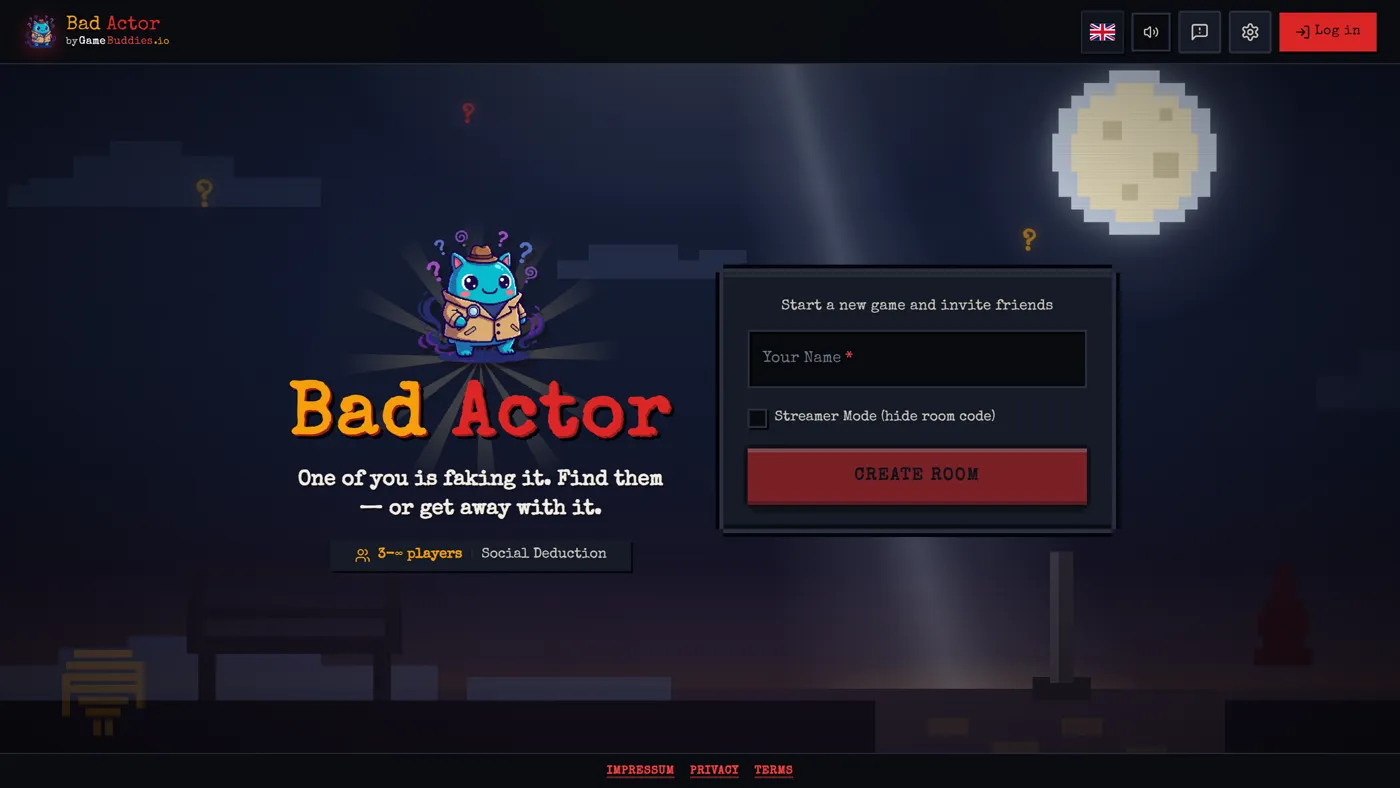
- Bad Actor — social deduction with a hidden imposter role; plays like a faster, browser-native Mafia or Among Us, minus the running around.
- Prime Suspect — a detective-themed hidden-role card game for smaller groups, closer to Love Letter than to a full social-deduction match.
Best for competitive, real-time rounds
- Tier Battle — the group ranks anything — movies, snacks, songs — into S-through-F tiers, then scores how close you landed to the room's actual tier list.
- Zoomies — light-cycle arena combat; box your rivals into their own trail and be the last one standing.
- Golem Overdrive — 3D parkour racing against the rest of the room.
All 17 are free, browser-based, and built for people playing together rather than solo campaigns. Full catalogue: all games.
Quick picks by situation
If you already know why you're reading this, skip straight to a pick:
- Lunch break with coworkers: Letter Rush for fast word rounds, or Hot Potato for pure chaos in short bursts.
- Game night on a video call: Canvas Chaos, Bluffalo, or Last Brain Standing — all read well over a shared screen or their own built-in video chat.
- Big virtual event (10–30 people): Schooled! or Bingo Buddies, both built to hold a large room without collapsing into chaos.
- Something to watch and laugh at more than "play": Soundbite or Decoded — low-stakes, high-comedy, easy for spectators to follow.
How to start
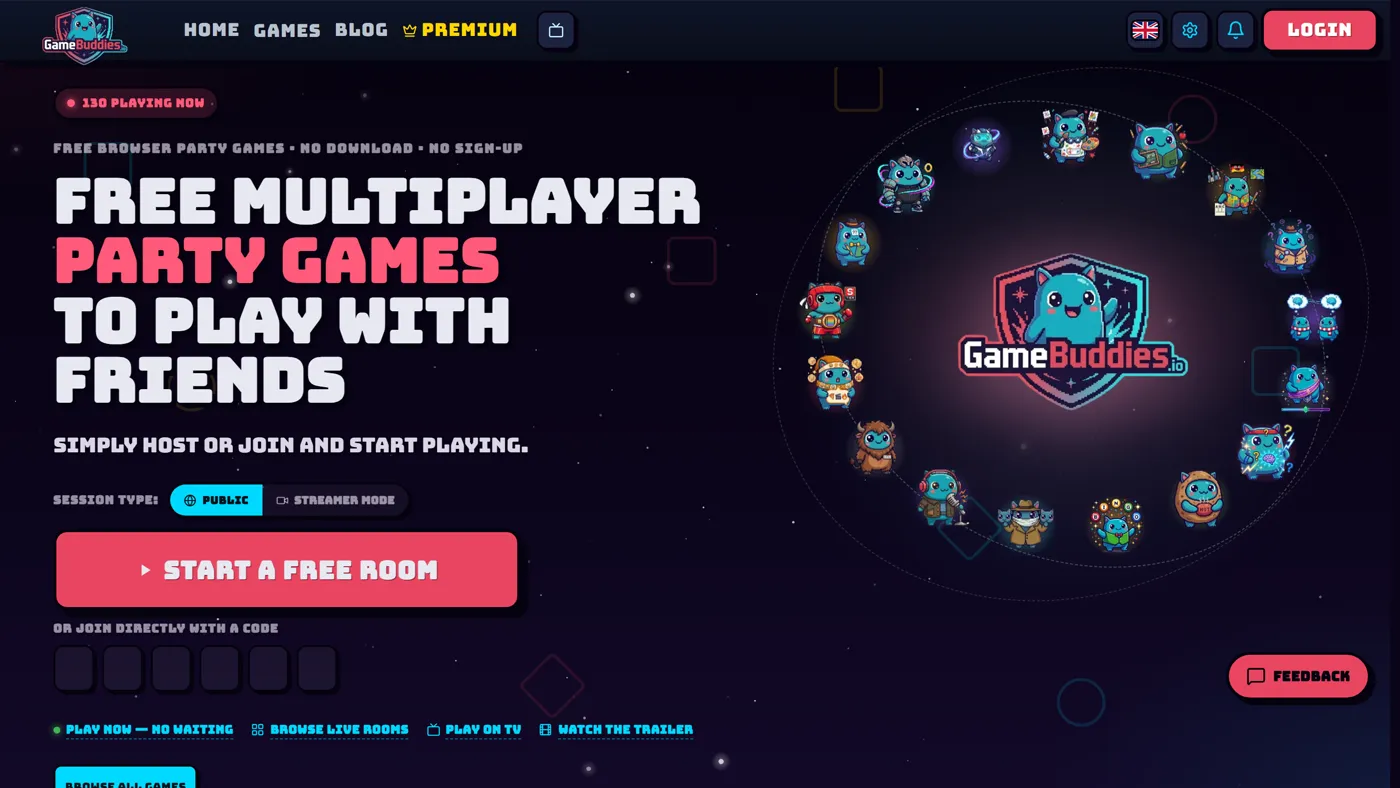
Open gamebuddies.io/games, pick a game, and hit Create Room. Share the link or room code in the group chat — everyone who opens it types a name and they're in. No email, no password, no verification step; that's genuinely the entire onboarding.
Why "no download" actually matters
"No download" sounds like a small detail until you've tried to get six people into a game on a random Tuesday. Someone's on a work laptop that blocks installs. Someone's phone is out of storage. Someone's on iPhone while the rest of the group is on Android. Someone gives up halfway through an account signup. Browser games skip all of it:
- Locked-down machines. Work laptops and school computers usually can't install anything new — but they always have a browser.
- Mixed devices. The same link works identically on iPhone, Android, Mac, Windows, and tablets, so nobody's device leaves them out of the room.
- No install wait. A downloaded game can take 30–90 minutes to install before the first round even starts. A browser tab loads in a few seconds — the "getting everyone in" step of game night mostly disappears.
- Old hardware. These games run fine on machines that would choke trying to run a modern downloaded client, since almost nothing renders locally beyond the current screen.
- Nothing to trust. Installing software means deciding whether to trust it with your system, every single time. A browser game runs sandboxed in a tab — worst case it eats some RAM, not your files or your afternoon.
Guests genuinely don't need an account — a name is enough to join a room. That's what makes the "30 seconds" version of this claim honest rather than marketing copy: one link, one name, done. Nobody is stuck watching a progress bar while everyone else is already picking a nickname.
It's also why most rooms here have video chat built into the game tab itself. Faces show up right next to the game instead of in a separate call app, so there's no juggling a screen-share and no second window to manage. If seeing each other is half the point of game night, that's worth checking before you land on a game — see the full games with video chat list. And because the host can switch games mid-room, one link can cover trivia, then drawing, then a deduction game, without anyone rejoining or restarting a call.
Browser tab vs. downloaded client
The gap is bigger than "convenient." A downloaded multiplayer game usually means one person owns it, everyone else either buys their own copy or the host screen-shares their view over a separate call — and if the "wrong" platform shows up (someone's on a Chromebook, someone's console isn't the same brand), that person is out. A browser link sidesteps the entire question of who owns what: the game lives on GameBuddies' servers, not on anyone's machine, so there's no "whose turn is it to host" problem and no five-figure download queue before round one. The tradeoff is real — browser games generally don't chase the graphical depth of a downloaded Steam or console title — but for quick multiplayer rounds with friends, that depth was never the point.
What makes a good browser party game
Not every "free browser game" result is actually good to play with friends. Two traps come up constantly when you're sizing one up:
- An account wall before you've seen any gameplay. If a site asks for your email before it'll even show you a game, that's a sign it's optimizing for a mailing list, not for the ten minutes you actually have. A good party game gets the host into a room immediately and worries about accounts never, or much later — and never asks guests for one at all.
- Ads breaking up every round. A 30-second ad between rounds kills a party game's pacing fast — nobody wants to sit through pre-roll six times in one session. Play a couple of rounds solo before you commit a whole group to a site.
Beyond that, the games that actually hold up for a group share a few traits. They scale to the group size you actually have, not just "2–4 players" when your group is eight — a game that caps out at four is a bad pick for a ten-person work event no matter how good the four-player version is. They're just as playable from a phone as a laptop, since somebody is always joining from one, usually the person still finishing dinner. The rules fit in one sentence, so you're not running a five-minute tutorial before the fun starts — if you have to explain scoring twice, that's a sign the game was built for a manual, not a group chat. And a round that reveals itself as it goes — a drawing chain unrolling, a vote landing, a tier list filling in — does more work than any explainer text ever will, because the "reveal" moment is usually where the actual laughing happens.
FAQ
What's the single best browser game to play with friends? For a mixed group with some non-gamers, Bluffalo — understandable within one round and funny even for people who don't usually play games. If your group leans more competitive, Tier Battle tends to spark the most arguments, which is usually the point.
Are these actually free, or free with a catch? Free. No pack to buy, no pay-to-win mechanic, no round that suddenly asks for a card. An optional Premium exists for cosmetics, not gameplay, so nobody's stuck watching from the sidelines because they didn't pay.
Do my friends need an account or a download? No — a room link or code is all it takes. Guests type a name and they're in; there's nothing to install and nothing to create later either.
Can we mix phones and laptops in the same game? Yes. Every game here runs the same way in mobile Safari and Chrome as it does on desktop, so the group can be on whatever device they've got — nobody has to be the one person who "has the right setup."
Can we switch games without starting a new room? Yes — the host can change games mid-room, so one link can cover trivia, drawing, and a deduction game back to back without anyone rejoining or re-sharing a new code.