
Free Games to Play Over Zoom or Discord (No Download)
By The GameBuddies Team — 2026-06-04
The easiest games to play over Zoom or Discord are free browser games like Bluffalo and Last Brain Standing — one person shares the link in the call, everyone joins in their browser, no download, no account.
You can run them alongside your existing call, or use the built-in webcam tiles and skip the separate video app entirely.
Best picks for a call
- Bluffalo — fake-answer trivia; perfect for 5–12 people talking over each other.
- Last Brain Standing — elimination quiz; great for a big group.
- Decoded — emoji guessing, fast rounds.
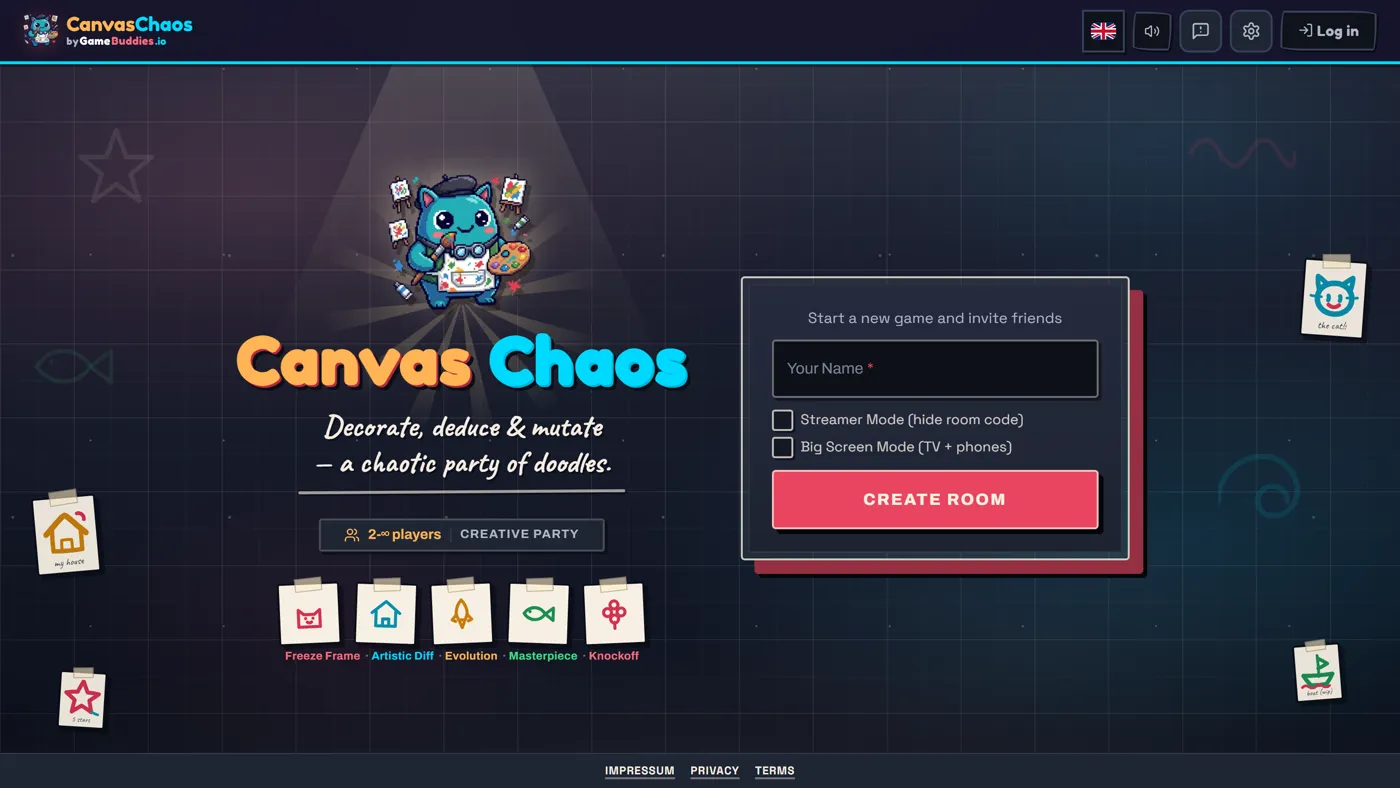
- Canvas Chaos — drawing chaos everyone can see.
Two ways to play
- Keep your Zoom/Discord call running and just share the GameBuddies room link in chat — everyone plays in a second browser tab.
- Skip the extra app — GameBuddies has webcam tiles next to the game, so you can see each other right there. See games with video chat.
Either way: free, no download, no signup.
How to start
Open gamebuddies.io/games, pick a game, Create Room, paste the link into your call's chat.
FAQ
Do I need to share my screen? No — everyone joins their own browser via the link, so they all interact directly. Does it work in Discord? Yes — drop the link in the channel; it also works as a Discord Activity for some games. Is it free? Yes, no pack or subscription. Do players need accounts? No — a link or room code.