
Online Icebreaker Games for Work: 8 Free Warm-Ups for New Hires and Team Meetings
By GameBuddies Team — 2026-11-13
An icebreaker for new hires works when it is short, needs nothing installed and gives everyone the same small task at the same moment. One link in the meeting chat, everyone joins from the browser, and ten minutes later people who had never spoken have laughed at the same thing. Below are eight free online icebreaker games, sorted by how much time you have, three formats you can copy, and a note on what to leave out of someone's first week.
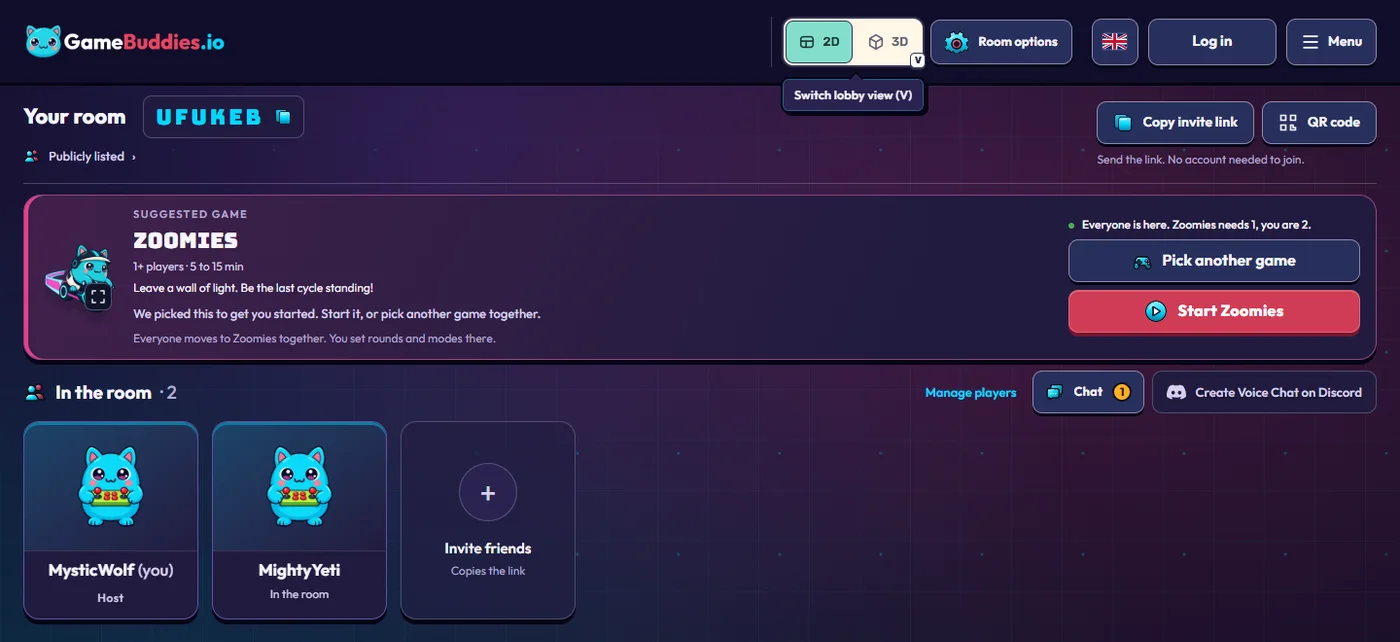
Everything here runs on GameBuddies: free, in the browser, no download, and no account for anyone who joins.
Why browser games fit an onboarding day
- Nothing to install. New hires often get their laptop on day one and cannot install anything on it. A browser tab is enough, and a phone works too.
- No accounts. Nobody enters an email address or sets a password. People join as guests under a nickname.
- Nobody is put on the spot. In the games below everyone types, taps or votes at the same time. That is kinder to a new colleague than "tell us a fun fact about yourself".
- People actually arrive. Close to nine out of ten people who open a GameBuddies invite link end up in the room.
Pick by the time you have
| Time | Good for | Games |
|---|---|---|
| 5 minutes | Buddy pairs, a quick opener | ThinkAlike |
| 10–15 minutes | Warm-up at the start of a team meeting | Letter Rush, BlindSpot |
| 15–25 minutes | The new hire meets the team | ClueScale, Tier Battle, Bluffalo |
| 30 minutes | An onboarding cohort or a team social | Decoded, then one of the above |
| Any length, any size | All-hands and welcome days | Bingo Buddies |
8 online icebreaker games for work
1. Letter Rush: the warm-up nobody has to explain
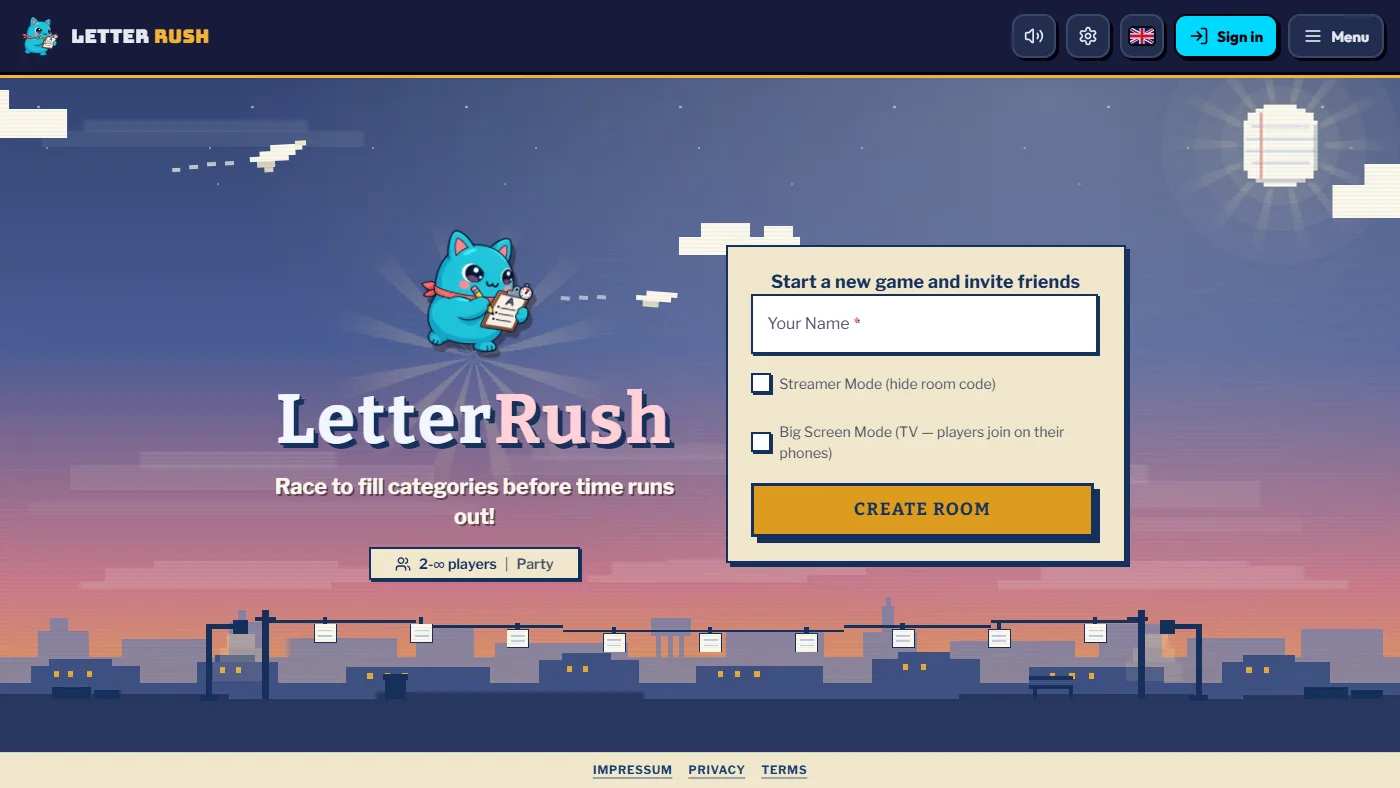
2–40 players · 10–20 minutes. A category and a starting letter appear ("Things that bite — F"). Everyone types a fitting word before the timer ends. Unique answers score in full, duplicates split the points. Most people know the idea from Scattergories, so you can start without explaining anything. Play Letter Rush.
2. ThinkAlike: for buddy pairs
2 players · 1–5 minutes. Two people type one word at the same moment and try to land on the same one, with five shared lives. It is a game for two, so use it where two people should get to know each other: a new hire and their onboarding buddy, or a new hire and their manager. Play ThinkAlike.
3. BlindSpot: yes/no questions, with a word on your forehead
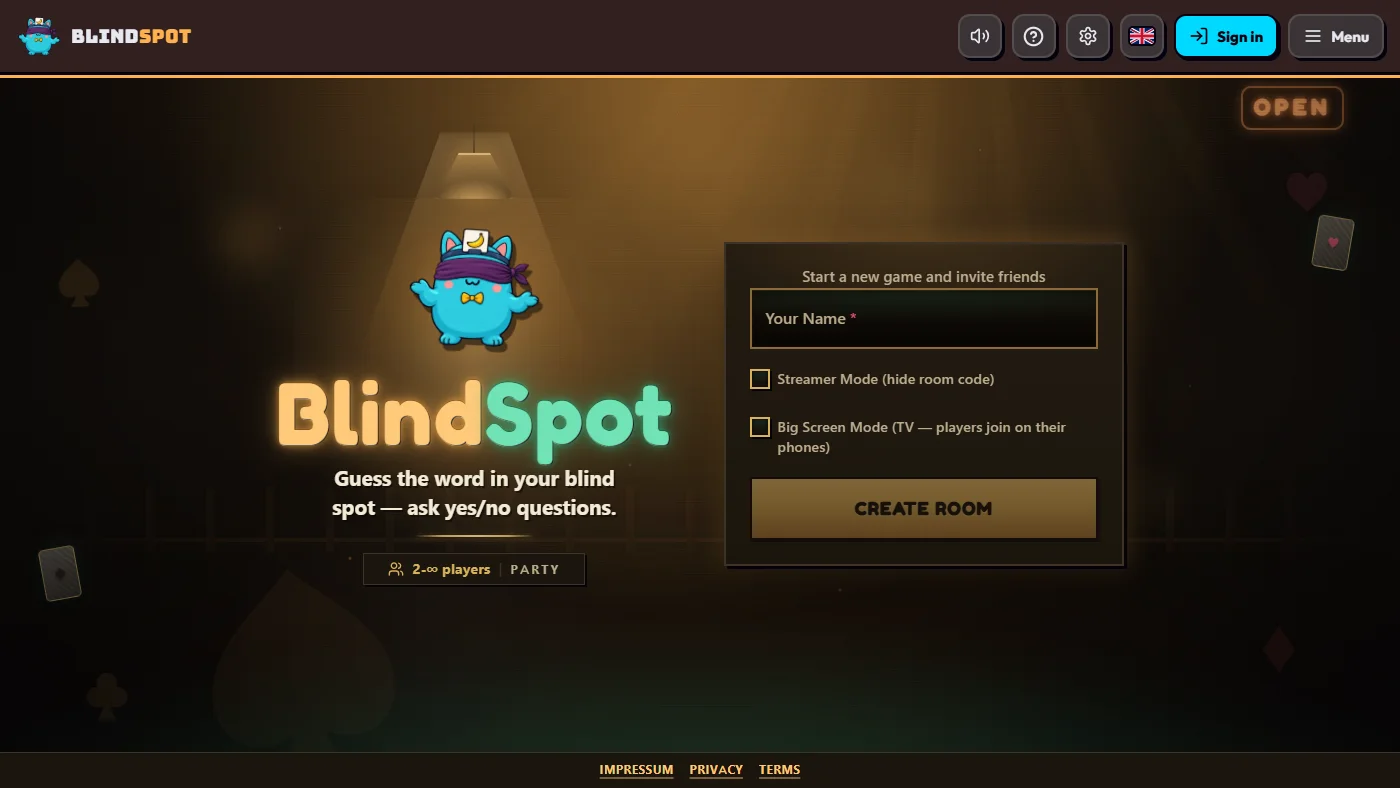
2–20 players · 5–20 minutes. Everyone secretly writes a word for someone else. Yours sits on your forehead where everyone but you can see it, and you ask yes/no questions until you guess it. The icebreaker version: agree on a theme first, such as "things you find in this office" or "tools we use every day". New colleagues pick up the vocabulary along the way. Play BlindSpot.
4. ClueScale: how does this team think?
2–40 players · 15–25 minutes. One person gets a category and a secret number from 1 to 10 and gives one clue. The rest of the team argues its way to a guess on the scale. The discussion is the icebreaker: you find out who thinks a 7 is generous and who thinks it is harsh. Play ClueScale.
5. Tier Battle: strong opinions about harmless things
1–16 players · 10–25 minutes. Everyone sorts items into tiers from S to F, the placements are revealed together, and then people defend their choices. Pizza toppings are safe ground: everybody has an opinion and nothing about it is personal. Play Tier Battle.
6. Decoded: say it in emojis
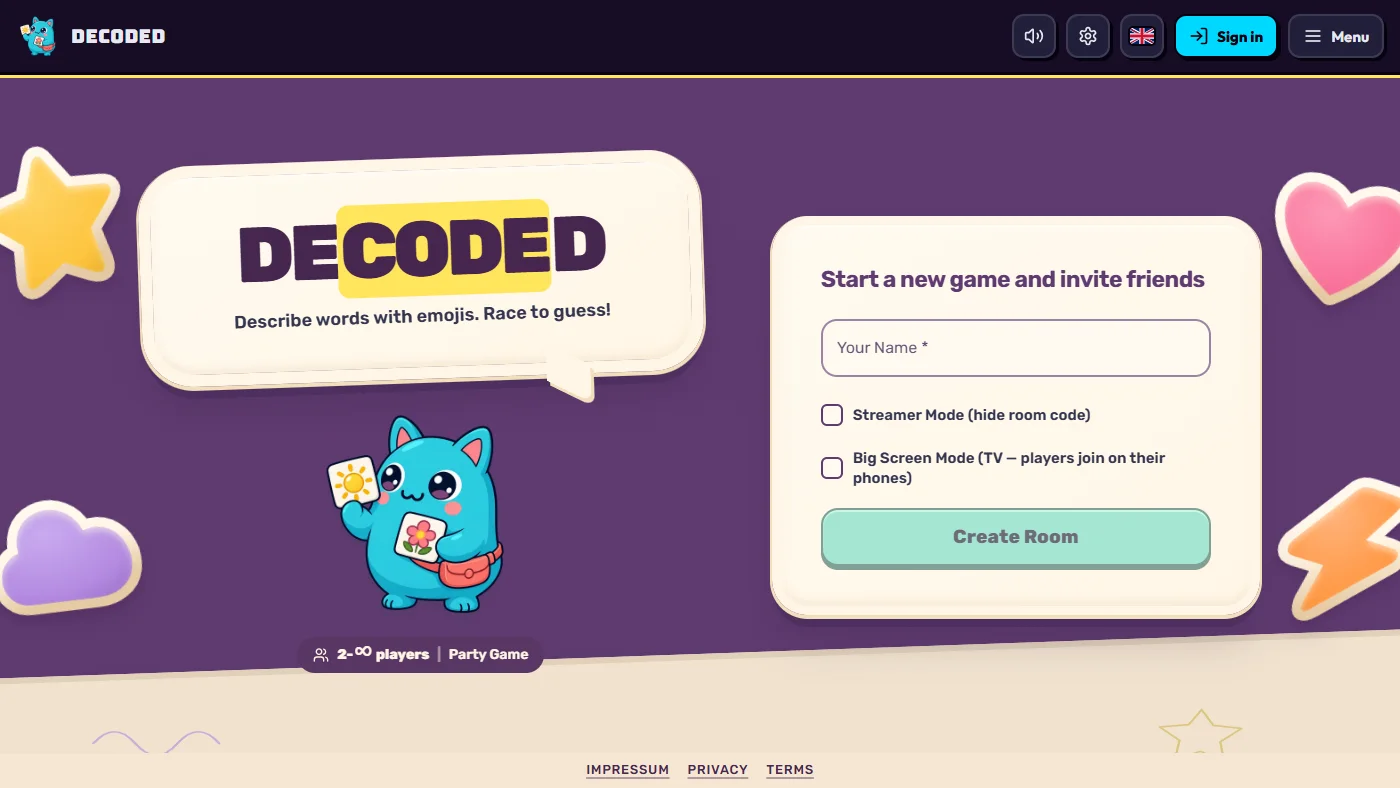
3–40 players · 5–30 minutes. One player describes a secret word using only emojis and everyone else races to type the answer. In Team Race mode the points go to the team, which is a good way to put new hires and long-timers on the same side. Play Decoded.
7. Bluffalo: being wrong is the point
2–24 players · 15–25 minutes. A real trivia question that nobody knows the answer to. Everyone writes a fake answer and then tries to find the real one among the bluffs. You score whenever a colleague falls for yours. Because nobody is expected to know the answer, nobody can look bad. Best from three players up. Play Bluffalo.
8. Bingo Buddies: the one that scales to an all-hands
1–500 players · 10 minutes and up. The host types up a bingo card, everyone opens it on their phone or laptop and taps squares as things happen. For a welcome round, fill the card with things people might say when they introduce themselves: "has a pet", "moved cities for this job", "plays an instrument", "worked in a different industry". Everyone listens more closely when there is a card to fill. More in online bingo with friends.
What to leave for later
- Last Brain Standing. Players vote for the dumbest answer. It is great among friends who roast each other and wrong for someone on their second day.
- Bad Actor and WereBuddies. These are social deduction games: accusing each other of lying is the whole game. They are fun once a team knows each other, and WereBuddies needs at least six players.
- Fast arcade games. Zoomies or Kaboom Buddies reward people who play a lot of games. Keep them for a Friday social where joining is optional.
Three formats you can copy
The 10-minute warm-up for a weekly meeting
Open a room a few minutes before the meeting and paste the link into the chat. Play Letter Rush while people arrive, stop on time, and start the agenda. Do it every week and the new person has something in common with everyone by the third meeting.
20 minutes: the new hire meets the team
- 2 minutes: everyone joins through the link.
- 15 minutes: BlindSpot with a theme from your own work, or ClueScale.
- 3 minutes: let the new colleague choose the game for next time.
30 minutes: an onboarding cohort
- 10 minutes: Letter Rush as the warm-up.
- 15 minutes: Decoded in teams or Bluffalo.
- 5 minutes: back in the room, vote on what to play at the next session.
Host checklist
- Keep the room to your team. A normal room is listed publicly under "Browse Rooms". Before you press Play with friends, switch on Streaming? Hide the room code on the homepage. Despite the name, it is the private-room switch: the room is unlisted and people can only join through your invite link. You can also turn on Streamer mode later under Room options.
- Open the room five minutes early. Rooms are temporary, so do not put a room link into a calendar invite days ahead. Paste it into the meeting chat when you start.
- Pick the game before people arrive. Choosing in front of twenty colleagues eats the time you have.
- Keep cameras optional. Someone who would rather watch the first round usually joins in the second.
- Stop on time. An icebreaker that overruns into the agenda is remembered for the wrong reason.
Good to know before you use it at work
GameBuddies is a free party game site, not an HR tool. There is no company login, no admin console and no report afterwards. The site is financed by ads and an optional Premium membership, so your colleagues will see ads. If your company network blocks game sites, people can join from their phones instead.
For regular breaks with a team that already knows each other, see free browser games to play with coworkers. For the end-of-year party there is a ready plan in virtual holiday party games.
FAQ
What is a good icebreaker game for new employees? One that is short, needs no preparation and lets everyone act at the same time. Letter Rush and BlindSpot are the two we would start with.
How long should an icebreaker be? Five to fifteen minutes at the start of a meeting. For an onboarding cohort that has an hour together, thirty minutes is fine.
Do participants need an account or an app? No. They open the link in a browser and join as guests.
How many people can join? Letter Rush, ClueScale and Decoded take up to 40 players, Bluffalo 24, BlindSpot 20 and Tier Battle 16. For anything larger, use Bingo Buddies, which goes up to 500.
Is it free for companies? Yes. All games are free to play. The site is financed by ads and an optional Premium membership.
Does it work with Zoom, Teams or Google Meet? Yes. Keep your meeting running and paste the room link into its chat. The game runs in a separate browser tab.