
Free Games to Play With Your Twitch Chat (No Bot, No Extension, No Download)
By GameBuddies Team — 2026-08-25
The easiest free games to play with your Twitch chat are the ones where viewers take part by typing in your chat — no bot to install, no extension to approve, nothing for them to download. In 2026 that shortlist is short: the browser party games on GameBuddies.io (Tier Battle, Bad Actor, Letter Rush, Canvas Chaos and Last Brain Standing read your chat natively), plus Marbles on Stream, Gartic on Stream and Words on Stream. Jackbox is the paid benchmark everyone compares against. Below is what each game actually does with your chat, what it costs, and which ones still work when five people are watching.
Three ways a game can "play with chat"
Not every "Twitch-integrated" game means the same thing, and the difference decides how much setup you're in for and how many viewers can join.
| Model | How viewers take part | Setup on your side | Viewer cap |
|---|---|---|---|
| Chat commands | Type !3, !vote 2 or !valid in your normal Twitch chat |
Type your channel name into the game | None — chat never leaves Twitch |
| Join by link or code | Open a link and become a player in the lobby | Share a room link (privately, if you're live) | The game's player cap |
| Extension / overlay | Click buttons in a Twitch extension or spend "coins" | Install and authorize an extension, often with OAuth | Depends on the extension |
Chat-command games are the ones worth starting with. They need no permissions, they scale from three viewers to three thousand, and your community already knows how to type in chat. Everything below is grouped by that model first.
The shortlist at a glance
| Game | What chat does | Price | Works with a tiny chat? | Where |
|---|---|---|---|---|
| Tier Battle | Ranks items into a live tier list with !1, !2… |
Free | Yes — you can stream it solo | Browser |
| Bad Actor | Votes on who the imposter is | Free | Yes, with 3+ players in the seats | Browser |
| Letter Rush | Judges disputed answers with !valid / !invalid |
Free | Yes | Browser |
| Canvas Chaos (Masterpiece mode) | Votes for the best drawing | Free | Yes | Browser |
| Last Brain Standing | Votes on who gets eliminated | Free | Needs 4+ players | Browser |
| Marbles on Stream | Enters races with !play |
Free | Weak under ~10 viewers | Steam |
| Gartic on Stream | Guesses your drawing in chat | Free | Yes | Browser |
| Words on Stream | Builds words from scrambled letters | Free | Yes | Browser |
| Jackbox Party Packs | Audience votes via jackbox.tv | $15–30 per pack | Better with 4+ players | Steam / console |
| Kukoro | Controls a character in chat-command mini-games | $4.99 | Yes | Steam |
| Crowd Control | Spends coins to trigger effects in 175+ games | Free (Pro $7.99/mo) | Yes | Overlay / app |
Chat-command games: no bot, no OAuth, nothing to install
Tier Battle — the one you can stream alone
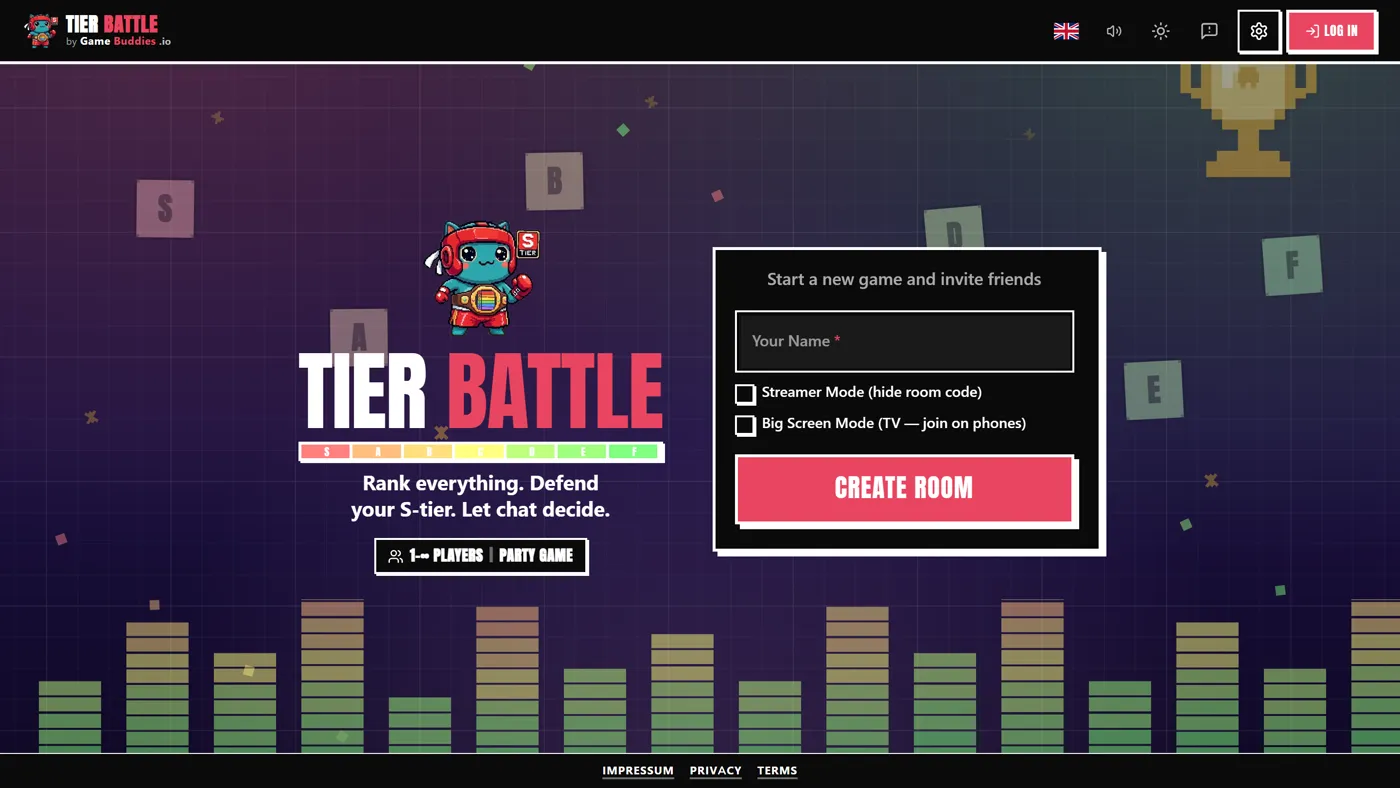
Tier Battle is a ranking party game: everyone gets the same pile of items (pizza toppings, Pixar movies, your channel's emotes — the host picks or invents the category), drags them into S-through-F tiers blind, and every list is revealed at once. When you connect your Twitch channel, chat gets its own ballot. Viewers type the number of an item — !3, !7 — to pick a favorite, and the vote counts rank the items into chat's own tier list: most-voted items land in S, least-voted in F. That chat list becomes the "truth" every player is scored against, so the players' real job is to read the room. (Scoring is explained in the Tier Battle rules guide.)
Two things make this the best first game for a streamer. It's the only game on this list that runs with just you and your chat — with Twitch connected, the two-player minimum is waived, so a solo streamer can host a full tier-list show against their viewers. And the lobby shows a red "Live: twitch.tv/yourchannel" badge, so guests who join know the audience is judging them. Rooms take up to 12 players, and a full game is ten to twenty-five minutes.
Bad Actor — chat hunts the imposter
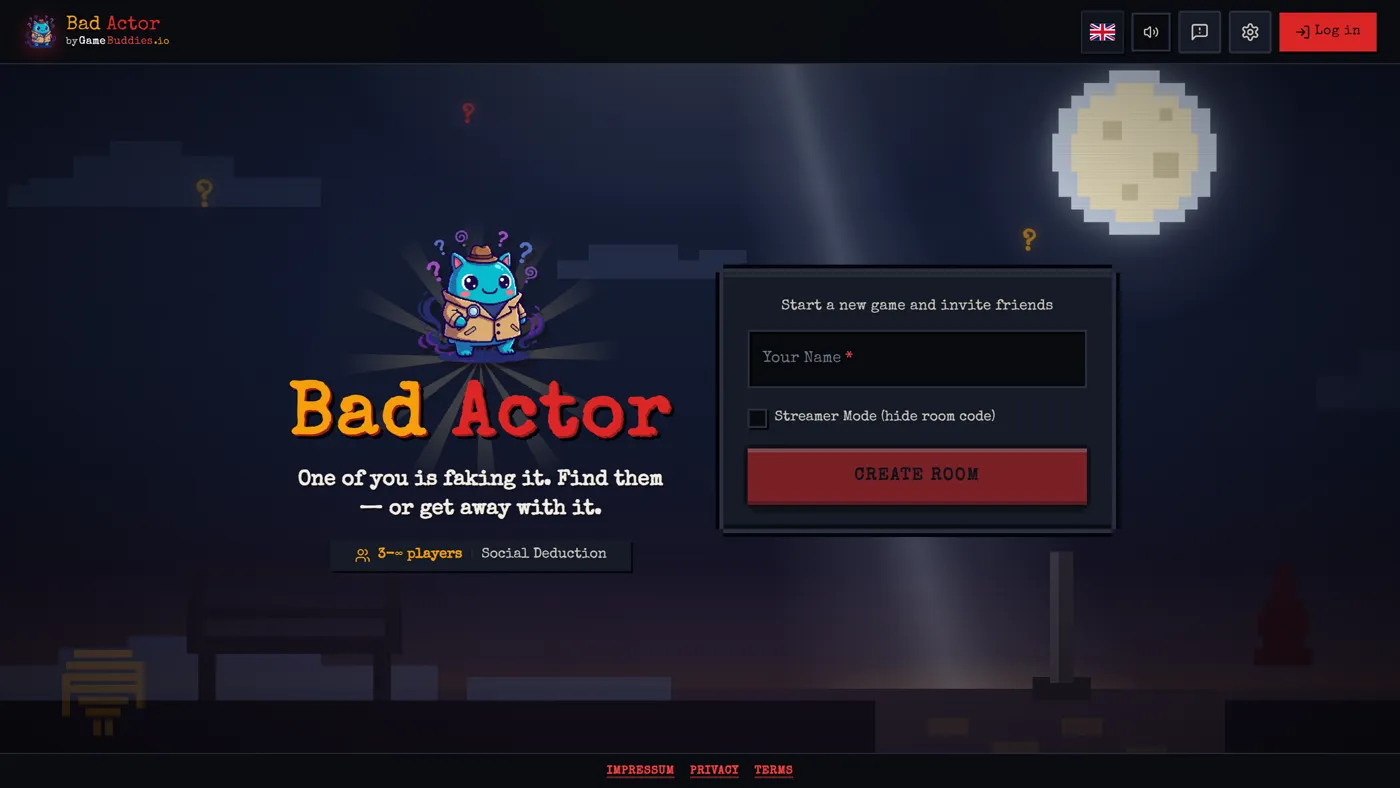
Bad Actor is hidden-imposter social deduction for 3–8 players: the crew shares a secret word, the imposter doesn't know it and has to bluff through one-word clues, and then everyone votes. With Twitch connected, your chat votes too. During the voting phase viewers type !1, !2, !3 for the player they suspect, and a "Twitch Chat Voting" bar graph fills up next to the player list in real time — one bar per suspect, with the voter count on top.
Chat's verdict is advisory: the graph shows who the audience suspects, but the seated players' votes decide the round. That's the fair way round, because chat can see your screen. The detail streamers care about: when chat is connected, voting doesn't auto-close when all seated players have voted. The game shows you "All players voted — waiting for Twitch chat. End voting when ready!", so you decide when the crowd has had its say. If you plan to be the imposter yourself, the Bad Actor strategy guide covers how to survive it.
Letter Rush — chat is the jury
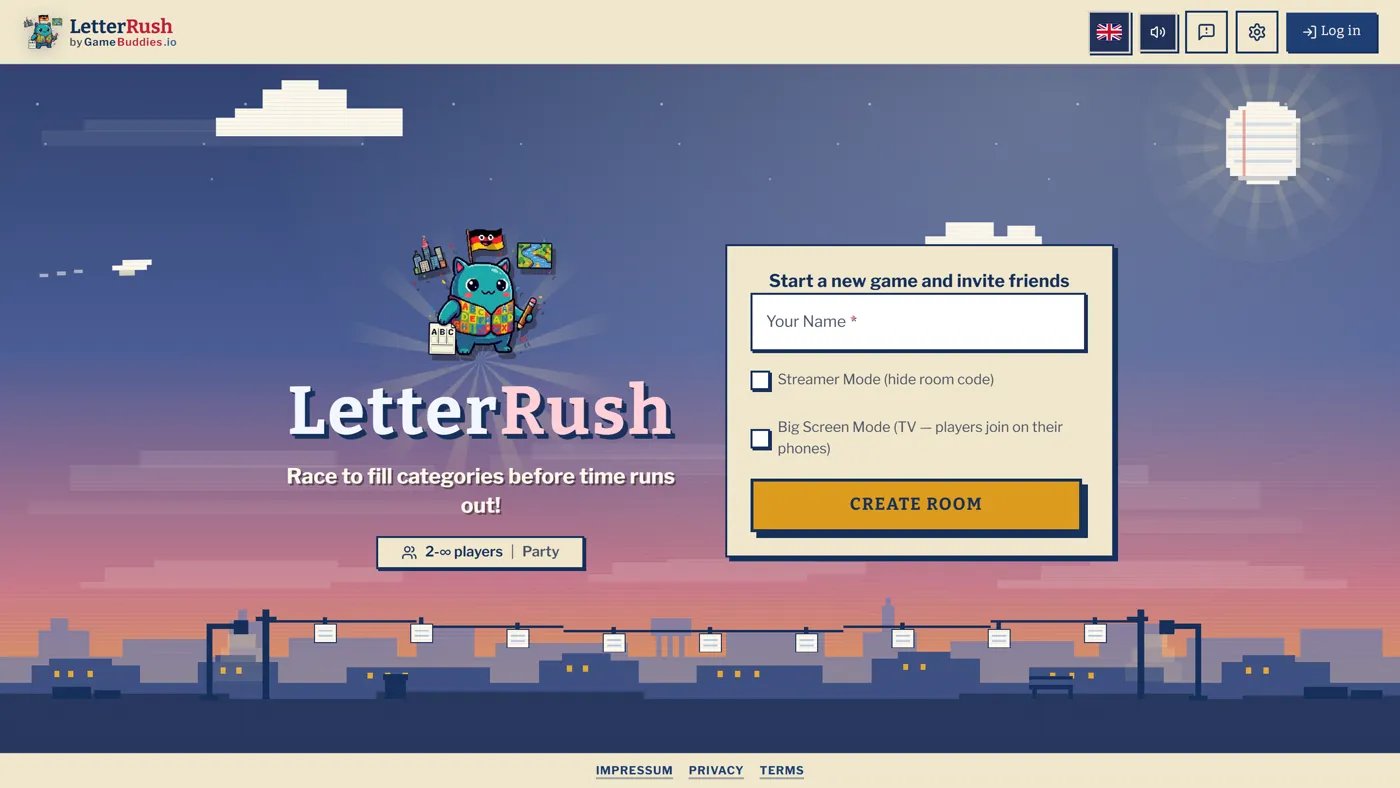
Letter Rush is Scattergories (Stadt-Land-Fluss, if you grew up in Germany) at speed: a letter drops, everyone fills categories with words starting with it, and then the answers are reviewed. Every game of Scattergories has the same argument — does "Quesadilla" count as a city? — and Letter Rush hands that argument to your viewers. During review, the host clicks the TV icon next to any disputed answer ("Ask Chat"), and viewers type !valid or !invalid. A green-and-red strip counts the votes live with the number of voters, and the verdict decides the points. It's the most natural "chat, settle this" mechanic on the list, and it works with two players on stream.
Canvas Chaos — chat picks the best drawing
Canvas Chaos is a drawing party game for 2–12 players with several modes — including Freeze Frame, where players draw on each other's frozen webcam frames, which is where most of the clips come from. Twitch voting lives in Masterpiece mode: after everyone has drawn, the rating phase shows the drawings numbered, viewers type !1, !2, !3 for their favorite, and a live "Twitch Chat Voting" graph shows which one the audience loves. Chat is then scored as one extra rater: the drawing with the most chat votes gets five stars from "Twitch Chat", the others proportionally fewer. The other modes are great on stream too, but they don't read chat — only Masterpiece does, so pick that one when you want the audience to decide.
Last Brain Standing — chat votes on who gets eliminated
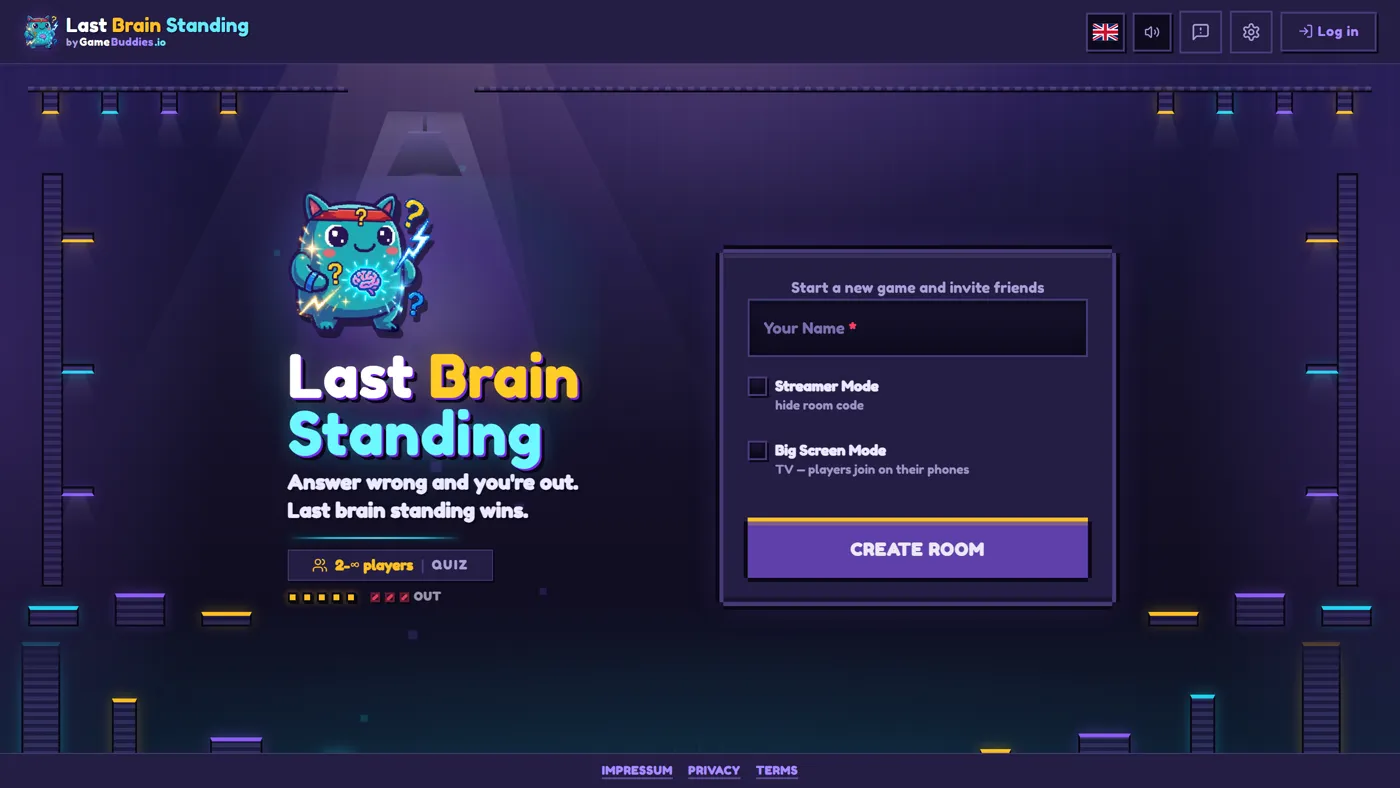
Last Brain Standing is the elimination quiz format German Twitch knows as "Der Dümmste fliegt": players answer questions in turn, the group votes on who gave the worst answer, and the loser takes a hit. The streamer is the gamemaster — you read questions, run the vote, stir the drama — and doesn't have to play, which is why it's such a good host format. Connect Twitch in the host settings and viewers vote with !1, !2, !3 (or !vote 1) alongside the players during the voting phase. Chat counts as one collective vote: the player with the most chat votes receives a single vote from "Twitch Chat", so a crowd of 300 can't steamroll a table of six, but it can break a tie.
One thing to know before you go live: chat's tallies don't appear in the normal game view. They show in the game's dedicated OBS overlay, which you add as a browser source by appending ?overlay=true&room=YOURCODE to the game URL; its "Twitch Votes" widget lists every player with a live bar. The game needs 4+ players, so it's a format for nights when you have guests. The full setup, including team mode, is in How to Host a Last Brain Standing Game Night for Streamers.
Marbles on Stream — the classic between-games filler
Marbles on Stream is free on Steam and has been the default "let chat do something" game for years: viewers type !play, each one becomes a marble, and a physics race decides the winner. There is no skill involved and that's the point — it's a lottery your community can shout at. Downsides: it's a Steam download on your side, it's a two-minute filler rather than a show, and it falls flat under about ten viewers because the race is three marbles.
Gartic on Stream — you draw, chat guesses
Gartic on Stream (gos.gg) is Onrizon's streamer version of Gartic: free, browser-based, and it connects to Twitch or YouTube with one click. You draw, and every guess typed in chat is checked against the word. It works at any channel size and needs no explanation. The limit is the format — you're the only one drawing, so it's a solo activity with chat rather than a game night with guests.
Words on Stream — a word puzzle the whole chat solves together
Words on Stream (wos.gg), from the same studio, shows scrambled letters and chat types the words that can be built from them, with fake and hidden letters to keep it from being trivial. Free, browser-based, Twitch and YouTube. It's a good low-energy segment and, like Gartic on Stream, purely a streamer-versus-chat format.
Join-by-link games: viewers become players
Some of the most-streamed "chat games" don't read chat at all — viewers join a room. Gartic Phone and skribbl.io are the two classics: free, browser-based, and a handful of viewers can play with you through a room link. The catch is the cap. A room fits a dozen or two people, so with a chat of 200 you're picking a lucky few, and if the link is on screen you'll get stream snipers. That's fine as a community reward ("first eight in Discord play"), but it isn't the crowd playing.
The hybrid works best: a few community members or fellow streamers in the seats via a private link, while everyone else plays through chat commands. On GameBuddies every room has built-in video chat, so your guests' reactions are already in your capture, and anyone who joins while a game is running is seated as a spectator and plays the next round.
The paid benchmark: Jackbox
Jackbox Party Packs are still the reference for "chat plays along": only one person needs to own the pack ($15–30 each), players join on their phones at jackbox.tv, and Audience mode lets up to 10,000 extra viewers vote on the results. If you already own a pack, use it. What it doesn't do is read your Twitch chat — viewers go to a website and type a room code — and it costs money per pack, with five to eight games each. We've written up exactly what's free and what isn't in Is Jackbox Free? and a full free Jackbox alternative comparison.
Effect tools: Crowd Control and Kukoro
Crowd Control isn't a game — it's a platform that lets viewers spend coins to trigger effects in 175+ games (Hades, Slay the Spire, Lethal Company). It's free for you, with a Pro tier at $7.99 a month that hands out more free coins. Kukoro ($4.99 on Steam) is a compilation of mini-games where chat commands control characters. Both are great for gaming streams; neither is a party format where your community competes against each other.
Which one for your channel size
- 1–10 viewers: Tier Battle, solo against chat. Every vote is visible, every viewer matters, and you don't need a single guest. Gartic on Stream is the other zero-guest option.
- 10–50 viewers: Bad Actor or Letter Rush with two or three community members in the seats and chat as the jury. This is where the "chat literally decided the round" clips come from.
- 50+ viewers: Any of the chat-command games. At this size join-by-link games become a lottery for a lucky few, but chat voting scales without limit — a thousand
!3s count the same as ten.
Setting it up on GameBuddies in about 30 seconds
- Create a room with Streamer Mode on — the room code stays hidden from your stream and you get a secure invite link for guests instead.
- In the host settings, type your Twitch channel name and hit Connect. The connection is read-only and anonymous: nothing joins your channel, nothing posts in your chat, no OAuth, no bot.
- Tell chat the command for that game (
!3,!valid,!vote 1) — each game's lobby shows the exact hint. - Stream under the GameBuddies.io Twitch category so you show up on the Now Playing page.
The full setup — broadcast window, OBS capture, moderation, a run sheet — is in How to Host a Community Game Night on Twitch.
FAQ
Do I need Twitch Affiliate or Partner to play games with chat?
No. Chat-command games read public chat messages, which every channel has. Affiliate only matters for extensions that use Bits or channel points.
Does my chat need an account or an app?
Not for chat-command games. Viewers type in your Twitch chat and never leave it. For join-by-link games (or a GameBuddies room), players open a browser link — no download or sign-up either, but they do leave the Twitch tab.
Does anything get posted in my chat?
On GameBuddies, no. The connection is read-only, so there's no bot message, no "vote registered" spam and no permissions request. Other tools vary — check their settings before you go live.
Can a viewer change their vote?
Yes. Every GameBuddies game keeps one vote per Twitch username and the latest one counts, so !2 followed by !5 moves the vote rather than doubling it. That also means spam doesn't stack.
Do these games work with YouTube or Kick chat?
GameBuddies reads Twitch chat only. Gartic on Stream and Words on Stream support Twitch and YouTube.
Can I stream this from my phone?
You can play from a phone, but the broadcast window and OBS capture are desktop features. Run the game on the PC you stream from.
Ready to try it? Open gamebuddies.io/streamers, create a room in Streamer Mode, type your channel name, and let chat pick the first tier list. For the format breakdown — which viewers join how, and what to run for a 5-viewer channel versus a 500-viewer one — read Twitch Community Games: What They Are and How Viewers Join.
Related Reading
- How to Host a Community Game Night on Twitch (Setup, OBS, Chat Commands, Moderation)
- Twitch Community Games: What They Are, How Viewers Join, and 8 Free Formats to Run
- How to Host a Last Brain Standing Game Night for Streamers
- The Free Browser Party Games Ecosystem in 2026: 25 Games Reviewed Honestly