
Twitch Community Games: What They Are, How Viewers Join, and 8 Free Formats to Run
By GameBuddies Team — 2026-08-25
"Community games" on Twitch are streams where your viewers stop watching and start playing — either by joining a lobby through a link, or by typing commands straight into your chat. The format has taken over from the old "Just Chatting plus Jackbox" night because it works at every channel size: with five viewers everyone gets a seat, with five hundred the chat plays as a crowd. This guide explains the three ways viewers can take part, the formats that hold up on stream (elimination quiz, tier lists, hidden imposter, drawing, Scattergories, bluffing trivia), how to keep stream snipers out of your room, and which free browser games do all of it without a bot or an extension.
What counts as a community game
The name comes from the German Twitch scene, where "Community Games" or "Community-Spiele" has been a fixed stream slot for years — a weekly evening where the channel's regulars play with the streamer. English-speaking Twitch borrowed the term, and the meaning is the same everywhere: a game night where the audience is inside the game, not just commenting on it.
It covers a wide range of things. Jackbox nights, Gartic Phone rooms and skribbl.io lobbies. Elimination quizzes like "Der Dümmste fliegt", where a table of players survives round after round of voting. Werewolf and imposter games run over voice. Tier-list shows where chat argues over pizza toppings. GeoGuessr with chat calling out the country. What these have in common is that the stream's content is produced by the community, and the streamer's job shifts from playing to hosting.
The three ways viewers take part
Every community game uses one of three participation models — or a mix — and the model decides who can join and how much setup you need.
| Model | Who plays | How they join | Cap | Setup |
|---|---|---|---|---|
| Viewer seats | A handful of viewers become players | Room link or code, usually shared in Discord or via a private link | The room's player limit | Share a link |
| Chat as a crowd | Everyone watching | Type commands in your Twitch chat (!3, !vote 2, !valid) |
None | Type your channel name into the game |
| Hybrid | Guests in seats, chat as the jury | Guests get a private link; chat types commands | Seats capped, chat unlimited | Both of the above |
Viewer seats are the classic Jackbox model. They're personal — a regular gets to play with you — but a room only holds so many people, and the moment a join code is visible on stream you're dealing with stream snipers and name-spoofers.
Chat as a crowd is the model that scales. Nobody joins anything; the game reads your Twitch chat and turns messages like !3 into votes. A viewer on their phone at a bus stop can take part. The trade-off is that chat participation is collective — one big vote — rather than a personal seat.
The hybrid is the sweet spot for most channels, and it's what the GameBuddies streamer setup is built around: a few community members or fellow streamers in the seats through a private invite link, their webcams next to the game, and chat judging, voting or ranking from Twitch. Everyone is involved and nobody needs a lucky ticket.
Why community games work at any channel size
Small channels struggle with the seat model because they don't have enough viewers to fill a lobby, and big channels struggle with it because they have far too many. Chat-command games fix both ends. A five-viewer channel can run a tier-list show where every single vote is visible on screen and every viewer matters. A five-hundred-viewer channel can run the same show and the votes simply pile up higher. Nothing about the setup changes.
There's a second reason the format works: the reveal. Community games produce a moment every few minutes — the imposter is exposed, the drawing is unveiled, chat's tier list turns out to disagree with everyone — and those moments clip themselves. That's why elimination quizzes and tier-list shows do so well in short-form: the format is built out of reveals.
Eight free formats and the game that runs each
All of the games below are free, run in the browser with no download and no sign-up for your guests, and share a lobby with built-in video chat. The first five read your Twitch chat natively; the last three are seat-based formats that work brilliantly with community members as players.
1. Elimination quiz — Last Brain Standing
The "Der Dümmste fliegt" format: players answer questions in turn, the table votes on who gave the worst answer, and the loser takes a hit until only one brain is left standing. You host as gamemaster, reading questions and running the vote without playing yourself. With Twitch connected, chat votes !1, !2, !3 alongside the players, and chat's favorite gets one collective vote — enough to break a tie, not enough to bully the table. Needs four or more players, so it's a night-with-guests format. Last Brain Standing also has a team mode with shared lives, which is where collab streams get chaotic.
2. Tier-list showdown — Tier Battle
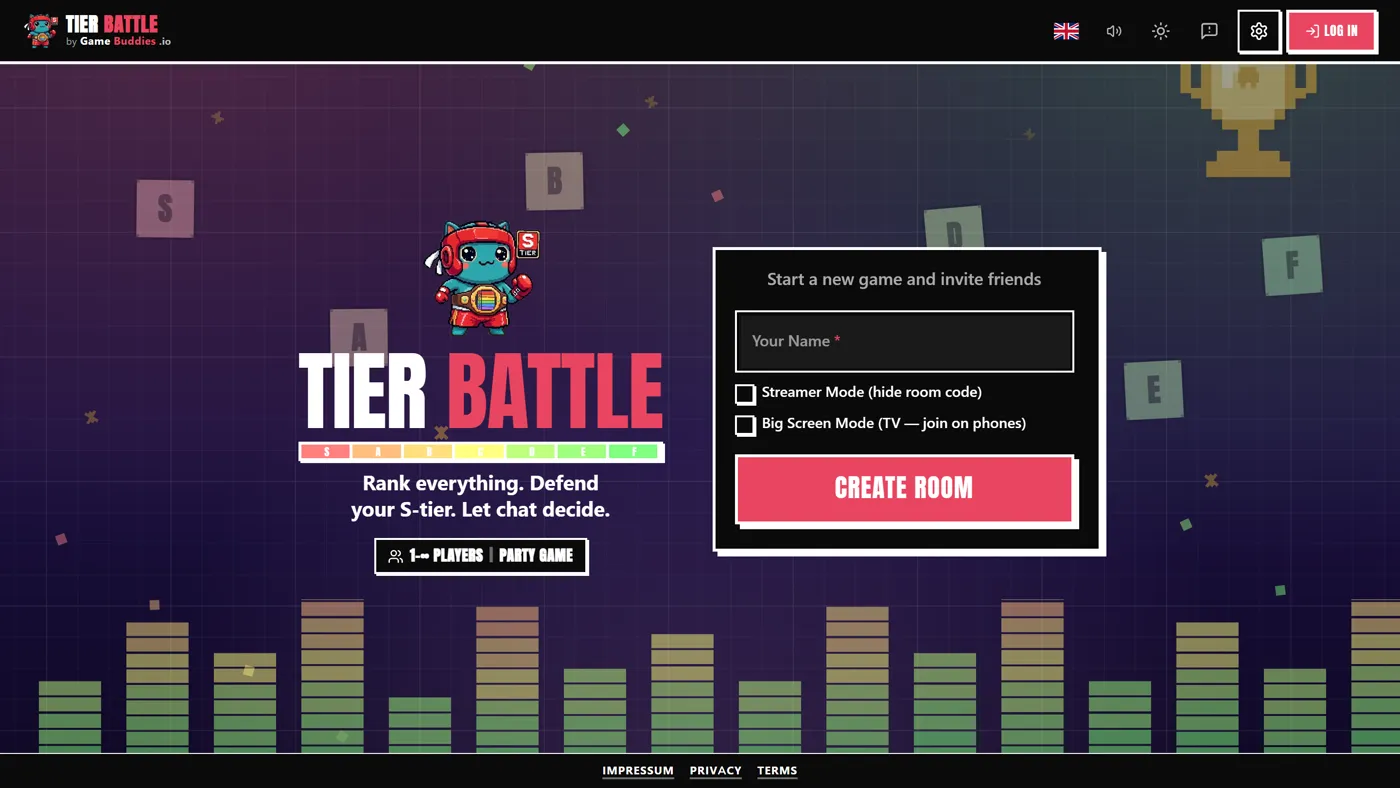
Everyone ranks the same items into S-to-F tiers blind, then every list is revealed at once and scored against a "truth". On stream, that truth is your chat: viewers type an item's number (!3) and the vote counts rank the items into chat's own tier list. Tier Battle is the one format on this list that runs with only you and your chat — the player minimum is waived when Twitch is connected — which makes it the ideal warm-up while guests trickle in. Up to 12 players. The multiplayer tier list guide goes deep on how the scoring rewards reading the room.
3. Hidden imposter — Bad Actor
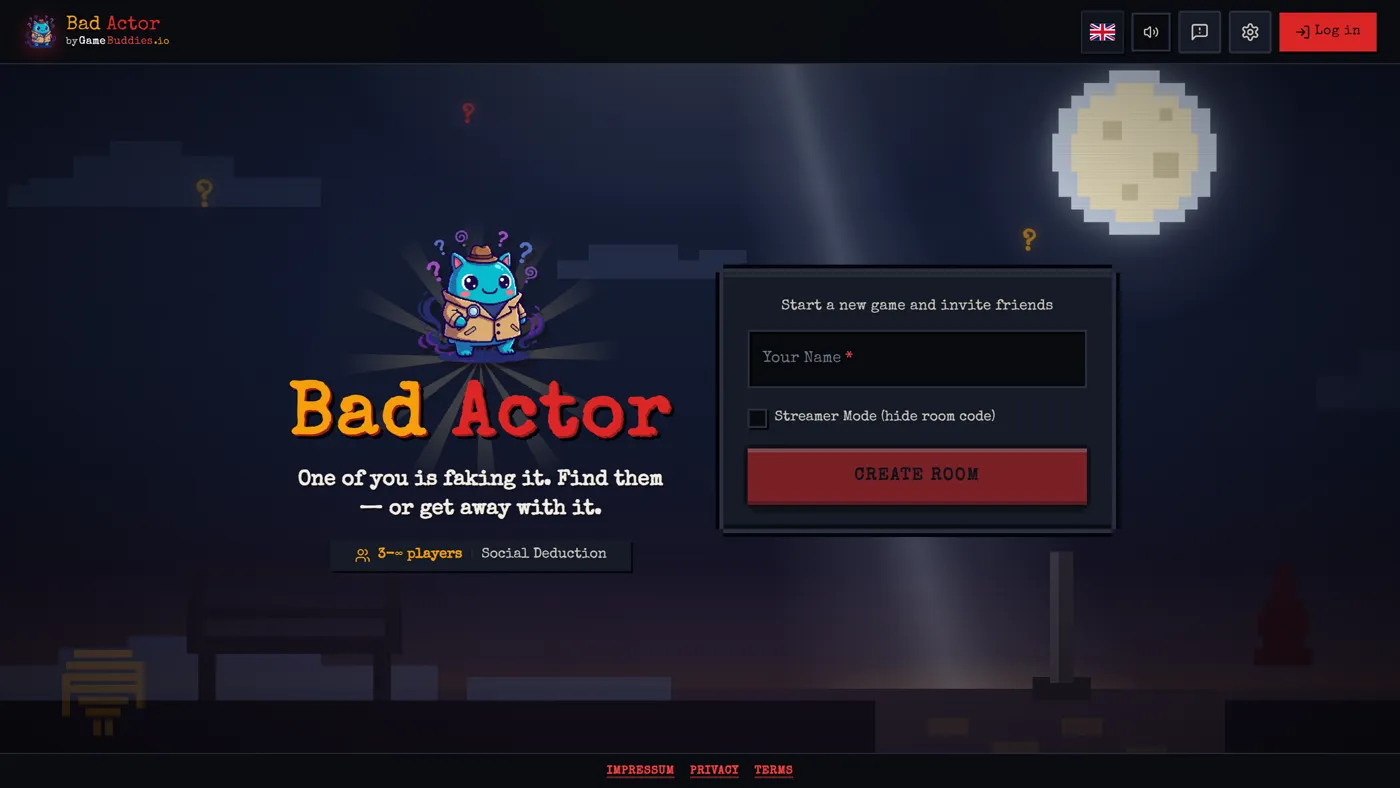
Among Us in words: the crew knows a secret word, the imposter doesn't and has to blend in with one-word clues, then everybody votes. Chat votes too — !1, !2, !3 for the player they suspect — and a live bar graph shows who the audience is pointing at. Chat's vote is advisory (they can see your screen, after all); the seated players decide. When Twitch is connected, voting waits for the host to end it, so you can give chat its moment. 3–8 players. Bad Actor is the format that produces the loudest Discord calls.
4. Drawing showdown — Canvas Chaos
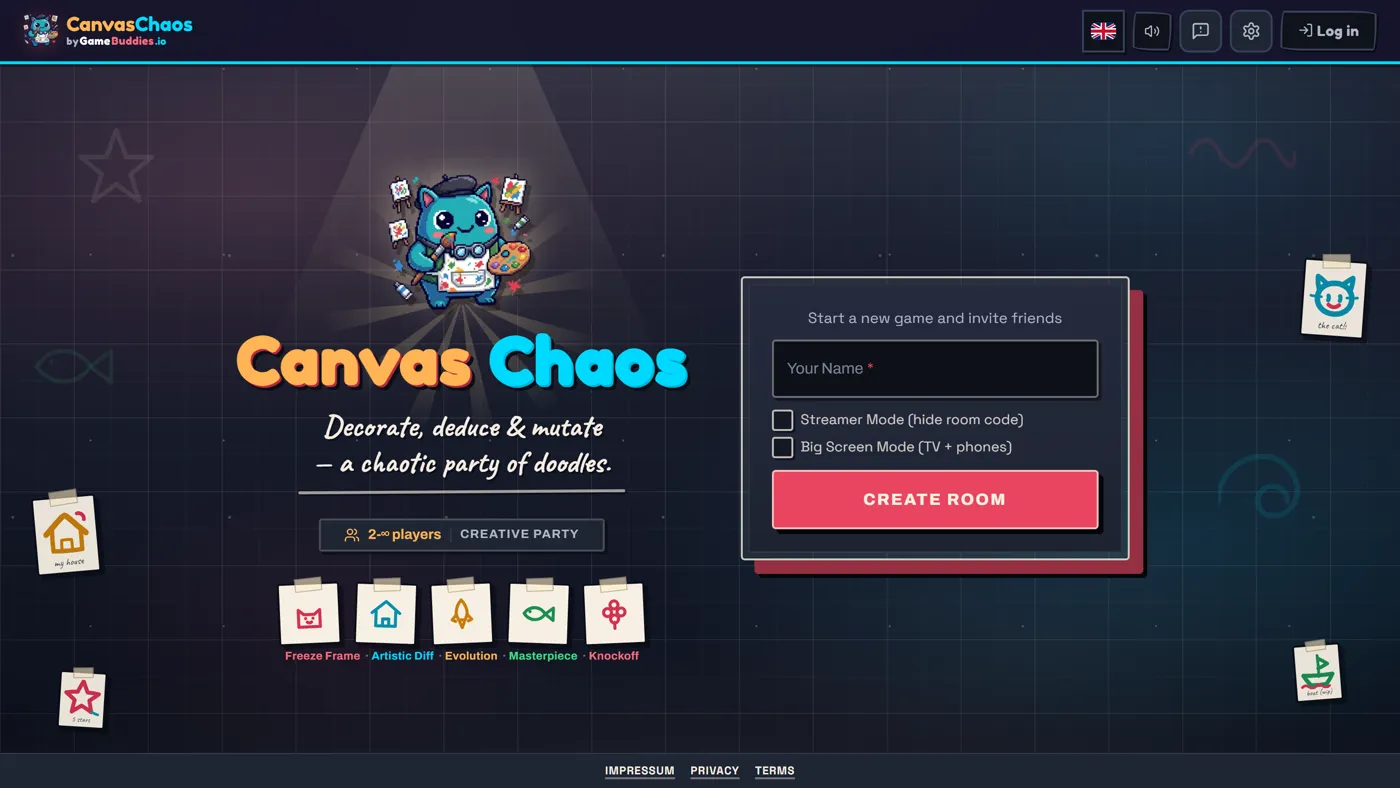
A drawing party game with several modes, including Freeze Frame, where players doodle on each other's frozen webcam frames. For chat participation, run Masterpiece mode: after the drawing phase, viewers vote !1, !2, !3 for their favorite and chat is scored as an extra rater, handing five stars to its top pick. 2–12 players. Canvas Chaos is the safest bet for a first community night because nobody needs rules explained — draw the thing, vote on the thing.
5. Scattergories with a jury — Letter Rush
A letter drops, everyone fills categories with words that start with it, and then the arguments begin. In Letter Rush, the host puts any disputed answer to chat with one click, and viewers type !valid or !invalid to settle it. It's the format where chat has the most direct power over the score, and it's a nostalgia hit for German-speaking channels, where the game is Stadt-Land-Fluss. 2–8 players.
6. Bluffing trivia — Bluffalo
The Fibbage format: a trivia question with an obscure answer, every player writes a convincing lie, and then everyone votes on which answer is real. Points for guessing right and for fooling others. Bluffalo is a seat-based format — invite community members through your private link — and it's the best "reveal machine" on the platform, because every vote exposes who fell for whose lie. 2–12 players.
7. Mind-sync word game — ThinkAlike
Two players see the same prompt and try to say the exact same word at the same time. It takes fifteen seconds to explain and produces a clip the first time two people land on "pineapple" together. ThinkAlike works from two players, so it's a good opener for a stream with one guest, and it scales up to a whole room racing to sync.
8. Quiz show with sabotage — Schooled!
A classroom-themed quiz for three or more players with jokers, sabotage and a chalkboard drawing round. Schooled! is a seat format for a table of community members, and the one to pick when your regulars want an actual competition rather than chaos. Rounds run fifteen to thirty minutes.
Keeping stream snipers out of your room
The seat model has one real problem: if the join code is visible, anyone watching can join, and on a public stream that means trolls with rude names. Three habits fix it.
Create the room in Streamer Mode. On GameBuddies, Streamer Mode hides the room code from everything you might capture, makes the room private, and copies a secure invite link to your clipboard instead. The QR code in the lobby shows only that private link. Send it to the people you actually want in the seats — Discord, a DM, a mod who hands it out — and viewers keep playing through chat commands without ever joining the room.
If the code leaked, start a fresh room. Turning Streamer Mode on after the code was on screen doesn't un-show it. A new room takes ten seconds.
Use spectator seating for latecomers. Anyone who opens the link while a game is already running is seated as a spectator — they watch, and they're promoted to a player automatically when the next game starts. That's how you rotate community members in without pausing the show.
Running the rotation
A community night lives or dies on who plays when. What works: announce the night a day ahead in Discord with a sign-up (a reaction, a thread, or a simple "reply to play"), fill the first table from that list, and tell everyone else that chat is playing from the first minute. Swap one or two seats every game so more regulars get their turn; spectators move up automatically. Keep a chat-command game running while seats change so there's never dead air — Tier Battle against chat is the standard filler.
Guests don't need accounts, and they don't need Discord for voice: every GameBuddies room has video chat built in, so the webcam grid sits next to the game and your guests' reactions land straight in your capture.
Streaming it
Stream under the GameBuddies.io category on Twitch. It exists as an official category, it puts your stream in front of viewers browsing for party games rather than burying it in Just Chatting, and it lists you on the Now Playing page. Every Twitch-connected game also has a broadcast window for OBS — a clean capture with the game stage, round and timer badges and a webcam strip, and the room code hidden by default. The step-by-step, including the chat command cheat sheet and a 90-minute run sheet, is in How to Host a Community Game Night on Twitch.
A note for German-speaking channels
Community games are a German Twitch institution, and the formats translate one-to-one: "Der Dümmste fliegt" is Last Brain Standing, Stadt-Land-Fluss is Letter Rush, and the drawing rounds are Canvas Chaos. The whole platform runs in German (as well as Spanish, Portuguese and Traditional Chinese), and the quiz games have German question pools. If you already use a German tool like StreamerGames for "Der Dümmste fliegt", the difference here is the rest of the night — imposter, drawing, tier lists and bluffing in the same room, with video chat and the same chat commands.
FAQ
How many viewers do I need for community games?
None, technically. Tier Battle runs with just you and your chat, and a chat of three is enough to argue about pizza toppings. Seat-based formats need players: two for ThinkAlike, Letter Rush, Canvas Chaos or Bluffalo, three for Bad Actor and Schooled!, four for Last Brain Standing.
Do my viewers need an account?
No. Chat participation happens in your Twitch chat, where they already are. Guests who join a seat open a browser link with no download and no sign-up — they pick a name and they're in.
Can seated players and chat play at the same time?
Yes — that's the hybrid model, and it's the default on GameBuddies. Guests play from the seats, chat votes, judges or ranks from Twitch, and both show up in the same game view.
What if my chat is tiny?
Run the chat-command formats. With five viewers, every !3 moves the tier list visibly and every viewer gets called out by name on the ballot. Small chats are the best chats for this — you can react to individuals.
What does it cost?
Nothing. The games, the Twitch integration, the video chat and the broadcast window are free, with no download and no sign-up for guests. Streamers who play regularly can get lifetime Premium for free through the Discord — it's on the streamer page.
Can viewers on phones take part?
Chat participation works from any Twitch app. Seats work in a phone browser too — the games are built mobile-first — so a guest doesn't need a PC to play.
Pick a format and go. Start with Tier Battle against your chat tonight, add two regulars for Bad Actor next week, and you have a community night. For the full comparison of chat-command games — including Marbles on Stream, Gartic on Stream and Jackbox — read Free Games to Play With Your Twitch Chat, or browse the full game catalog.