
Big TV Mode: Put the Game on Your TV, Join by Scanning the Screen (Free, No App)
By GameBuddies Team — 2026-07-07
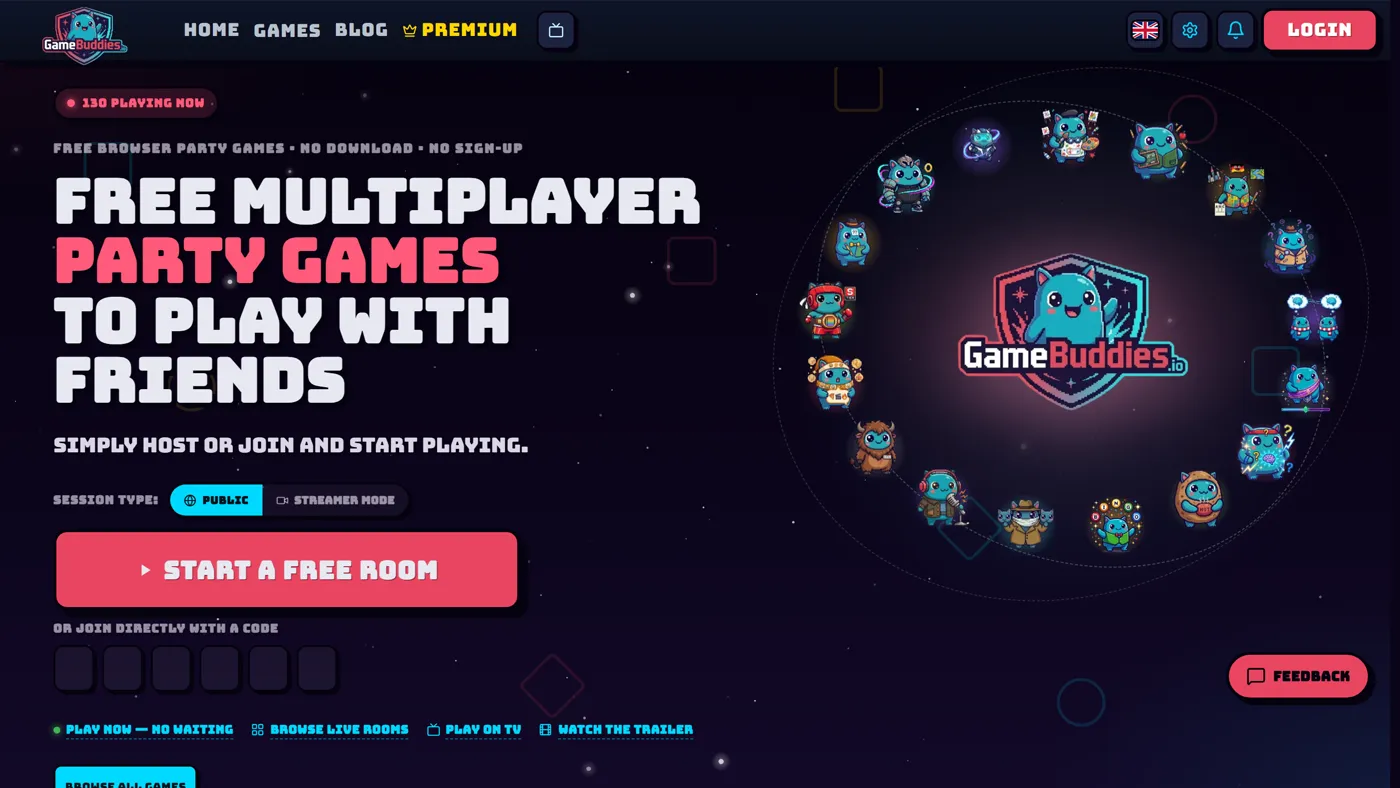
Turn any TV with a browser into your game board: open gamebuddies.io/tv on the TV, and everyone joins in seconds by pointing their phone camera at the QR code on the screen — no app store, no sign-up, no cables. The TV shows the shared board, your phone becomes your private controller, and the whole game night runs from one couch.
If you've ever played Jackbox with friends, you know this setup — the shared screen everyone watches, the phones everyone plays on. Big TV Mode brings that living-room feeling to GameBuddies, free and straight from the browser.
What Big TV Mode does
Big TV Mode splits every game into two screens that were always meant to be separate:
- The TV shows what everyone should see: the lobby with a join QR code and room code, the drawing canvas, the question, the scoreboard, the big reveals.
- Your phone shows what only you should see: your hand, your guess, your answer box, your vote.
The TV isn't a player — it's the board. Host powers stay on the first phone that joins, so nobody has to get up to tap the television.
How to start a TV game night
- On the TV, open gamebuddies.io/tv in the TV's browser. A smart TV browser works, and so does a console browser, a laptop on HDMI, or casting a browser tab.
- The TV shows a QR code. That's the whole invite. There is no step 3 for the host.
- Everyone scans it with their phone — either with the phone's normal camera app, or with the Scan QR button on any GameBuddies game page. Type your name, and you're in.
- Pick a game on your phone. The TV follows automatically into the game's big-screen view, and back to the catalog when you're done — one TV carries the whole night, game after game.
You can also go TV-mode for a single game directly: every supported game's page has a Big Screen option that puts that game's board on the TV.
The new QR scanner (and why it works on iPhone home-screen apps)
Every GameBuddies game now ships with a built-in QR scanner on its join screen. Tap Scan QR, point the phone at the TV, and you're in the lobby before anyone finishes explaining the rules.
A few details we sweated so you don't have to:
- It's fast. The scanner reads the code live from the camera — usually before you've finished aiming.
- It works in installed web apps too. If you've added GameBuddies (or one of the games) to your iPhone home screen, iOS is famously picky about camera access inside installed web apps. The scanner detects that and offers to snap a photo with the native camera instead — and the photo decoder is built to read a QR off a glary TV screen from across the room.
- It only accepts GameBuddies codes. The scanner never opens random links. Anything that isn't a GameBuddies room code or invite is rejected on the spot.
- Nothing leaves your phone. All scanning happens on your device — the camera image is never uploaded anywhere.
No camera, or the lighting just isn't cooperating? The room code is printed right next to the QR on the TV — type it into the join box like always.
All 14 games with Big TV Mode
Every one of these plays on the TV + phones setup, free in the browser:
- Bingo Buddies — custom bingo cards, called live on the big screen
- BlindSpot — the heads-up guessing game, with the clues on the TV
- Bluffalo — fool your friends with fake answers
- Canvas Chaos — drawing chaos on a shared canvas
- ClueScale — read your friends' minds on a sliding scale
- Decoded — describe words with emojis, decode them first
- HotPotato — don't be holding it when the timer blows
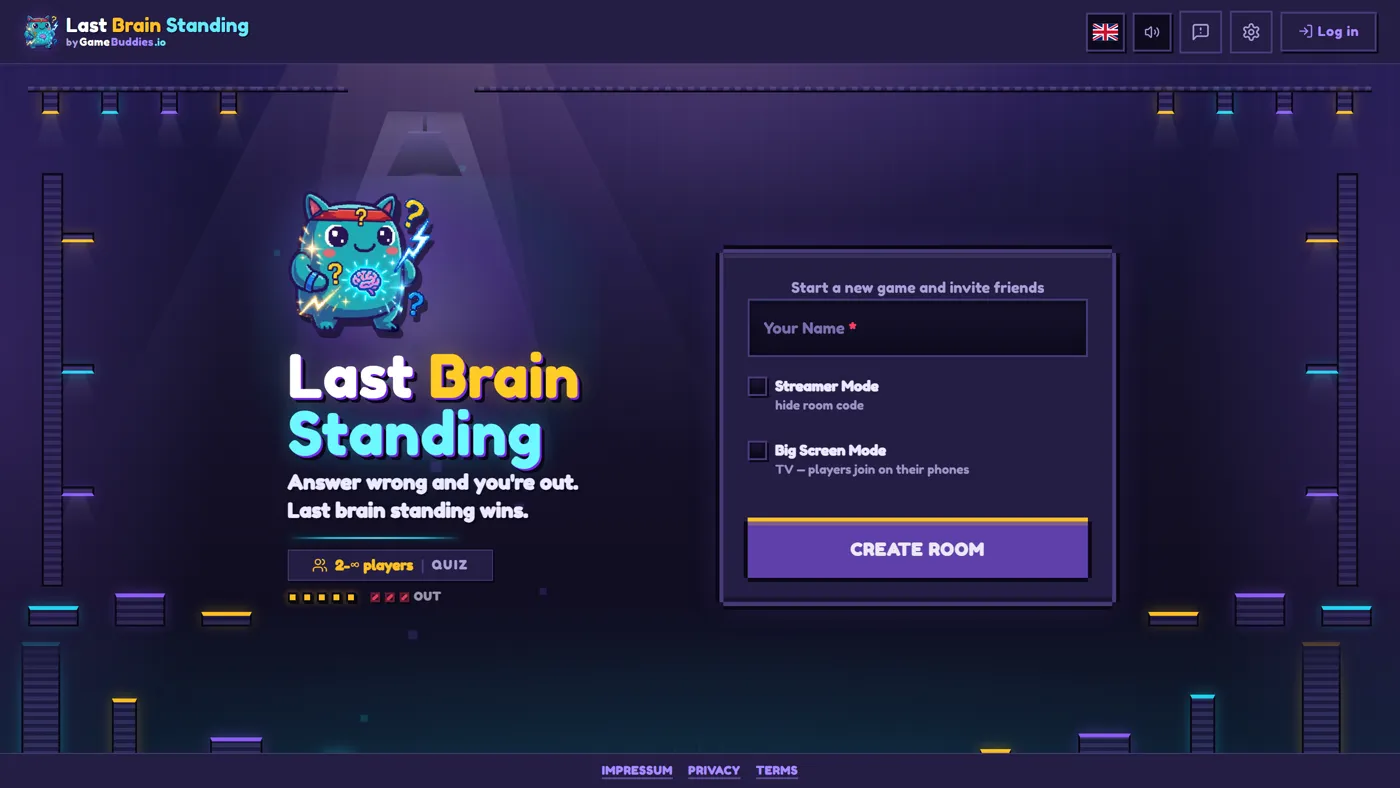
- Last Brain Standing — quiz survival, last brain wins
- Letter Rush — fast words, faster fingers
- Schooled — the classroom quiz showdown
- Soundbite — guess the sound before everyone else
- ThinkAlike — match answers with your friends
- TierBattle — rank anything, argue about everything
- Zoomies — light-cycle chaos in 3D
Two games sit this one out on purpose: Bad Actor and Prime Suspect are hidden-information games — secret roles don't survive a shared screen — so they stay phones-only, where your secrets are safe.
What you need
- A TV (or monitor, or projector) with any browser
- A phone per player — any phone with a browser
- An internet connection
- Nothing else: no app, no account, no console, no purchase
Grab the couch, open gamebuddies.io/tv, and let the TV do the inviting.