
The Ultimate Virtual Game Night Guide: 12 Free Games for Zoom & Discord
By The GameBuddies Team — 2026-08-02
Virtual game night is a video call plus a browser game that everyone plays from their own device. That's it. The video call is for seeing faces and trash-talking; the game runs in a separate tab. Done right, it's better than in-person game night in at least two ways: nobody has to drive home, and you can have friends in three time zones at the same table.
This guide is about the second half — the game — because the Zoom/Discord part you already know. We'll cover 12 free browser games that specifically work well over video chat, plus the setup tricks that actually matter.
Jump to: The 5-minute setup · 12 games that work over video chat · What kills a virtual game night · FAQ
The 5-minute virtual game night setup
You need three things: a video call, a browser game, and a way to share the game with everyone in the call. Here's the full setup:
1. Pick the video call platform
- Discord is the best for most groups. Voice chat is low-latency, video works on desktop and mobile, and you can create a dedicated server for your group. Free.
- Zoom works if your group already uses it for work. 40-minute limit on free accounts, which is tight for a game night.
- Google Meet is the zero-setup option. Everyone has a Google account, no install, just share the link. No time limit if you have a Google account.
- Teams is fine if you're hosting a work event.
For a first-time host: use Discord if any of your friends already have it, Google Meet if not.
2. Open the game
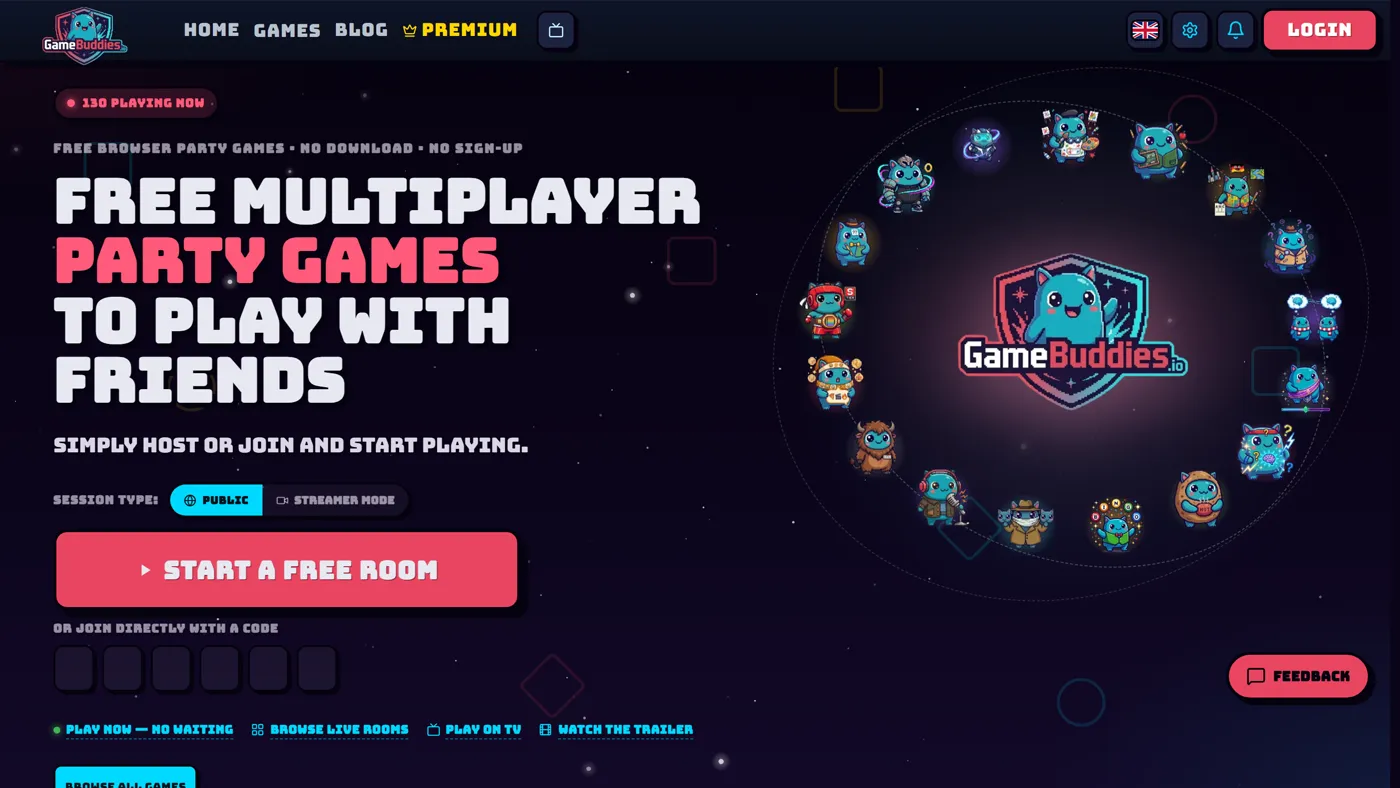
- Go to gamebuddies.io.
- Pick a game from the grid (scroll down from the hero to see all 11).
- Click "Create Room" on the game page.
- The site generates a 4-letter room code and a joinable URL.
That's the host setup — start to finish, about 30 seconds the first time.
3. Share the room with everyone in the call
Paste the room URL into the Zoom/Discord/Meet chat. Everyone clicks it, they join the game, you all stay in the video call while playing. That's the whole trick. No screen share. No weird Jackbox TV-code routine. Everyone plays from their own device.
Pro tip: if someone can't see the chat, just read the 4-letter code out loud — they can type it into gamebuddies.io manually from any device.
12 free games that work for virtual game night
Not every browser game survives a video call. Games that require real-time reactions (reflex-based stuff), perfect audio (music quizzes where someone's on a laggy mic), or constant screen-sharing don't work well. The games below are specifically picked because they work over Zoom, Discord, Meet, and Teams — we've tested them.
1. Canvas Chaos — the default pick for any virtual game night
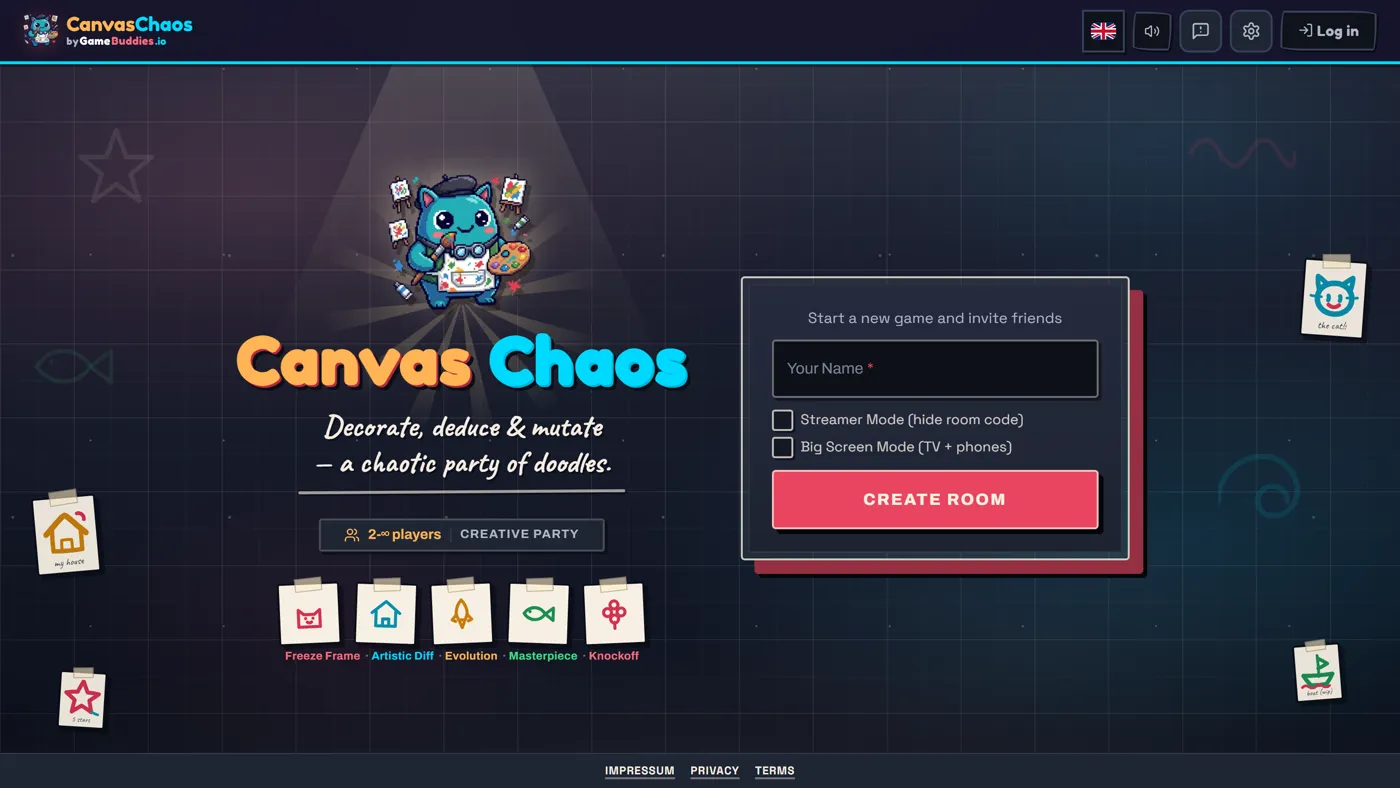
Players: 3-12 · Round length: 10-15 min · Virtual game night score: 10/10
Canvas Chaos is the game most groups start with because it survives a laggy video call. The whole game is drawing and typing — nothing is time-critical to the millisecond — so if someone's audio cuts out for five seconds, nobody loses. The "reveal" at the end (where the game walks through the chain of drawings and descriptions) is perfect for a video call because everyone's reacting in real time, on camera, to the same reveal.
Why it works on Zoom/Discord: no mic dependency. Works fine if half your group is on mute.
2. Last Brain Standing — trivia that plays well on video
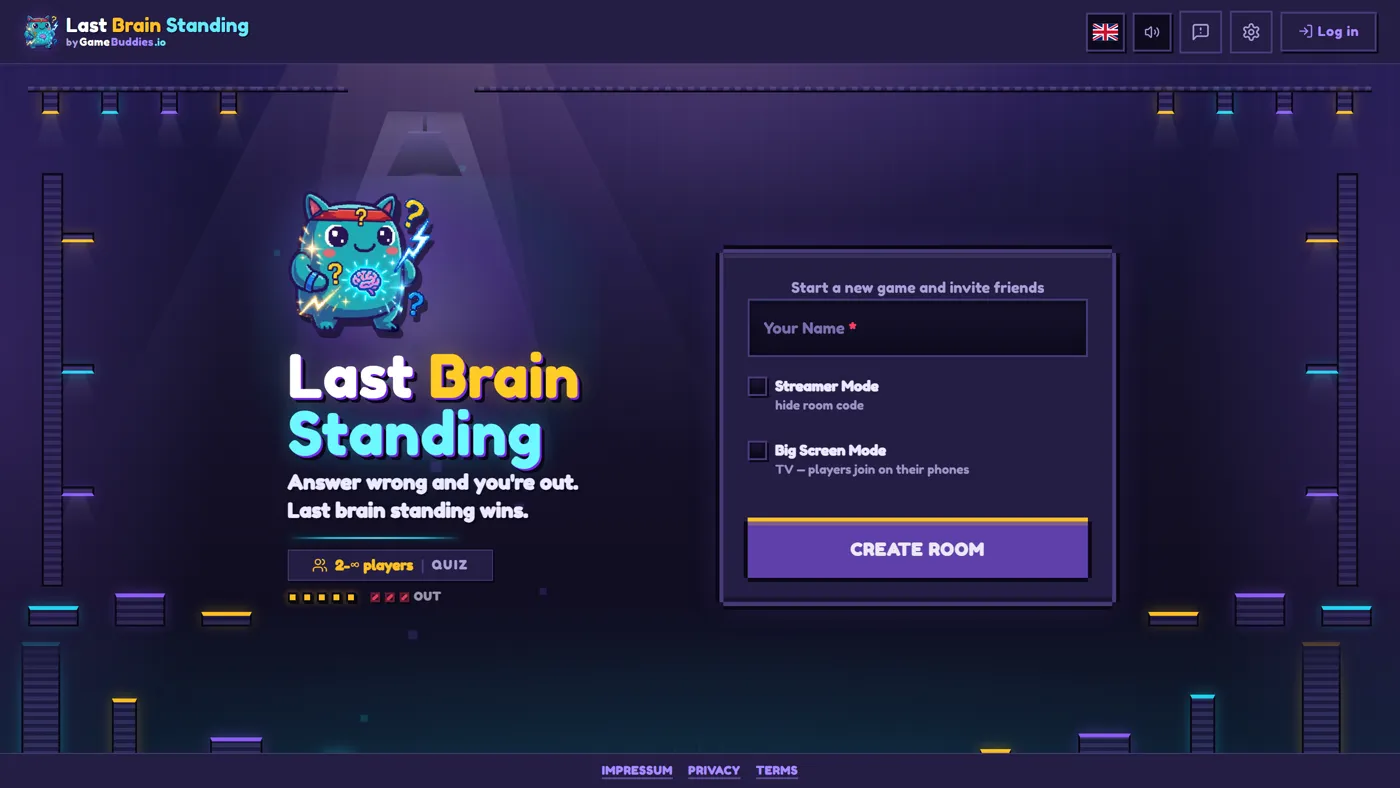
Players: 2-10+ · Round length: 8-12 min · Virtual game night score: 9/10
Last Brain Standing is a trivia elimination game — wrong answer, you're out, last one standing wins. The reason it's good for virtual game night specifically: the competitive pressure is on the screen, not on the call. You can talk smack, do reactions, or be completely silent. The game keeps pace regardless.
Why it works on Zoom/Discord: the game provides the tension; the call provides the reactions.
3. ThinkAlike — the couples / small-group pick
Players: 2-8 · Round length: 5-10 min · Virtual game night score: 9/10
ThinkAlike is word matching — score points by writing the same answer as your teammates. It's the best small-group pick for virtual game night because most party games fall apart at 2-3 players. This one is designed for small groups and actually gets better when you know the other players well (you can predict their answers).
Why it works on Zoom/Discord: perfect for couples doing a video call with another couple across the country.
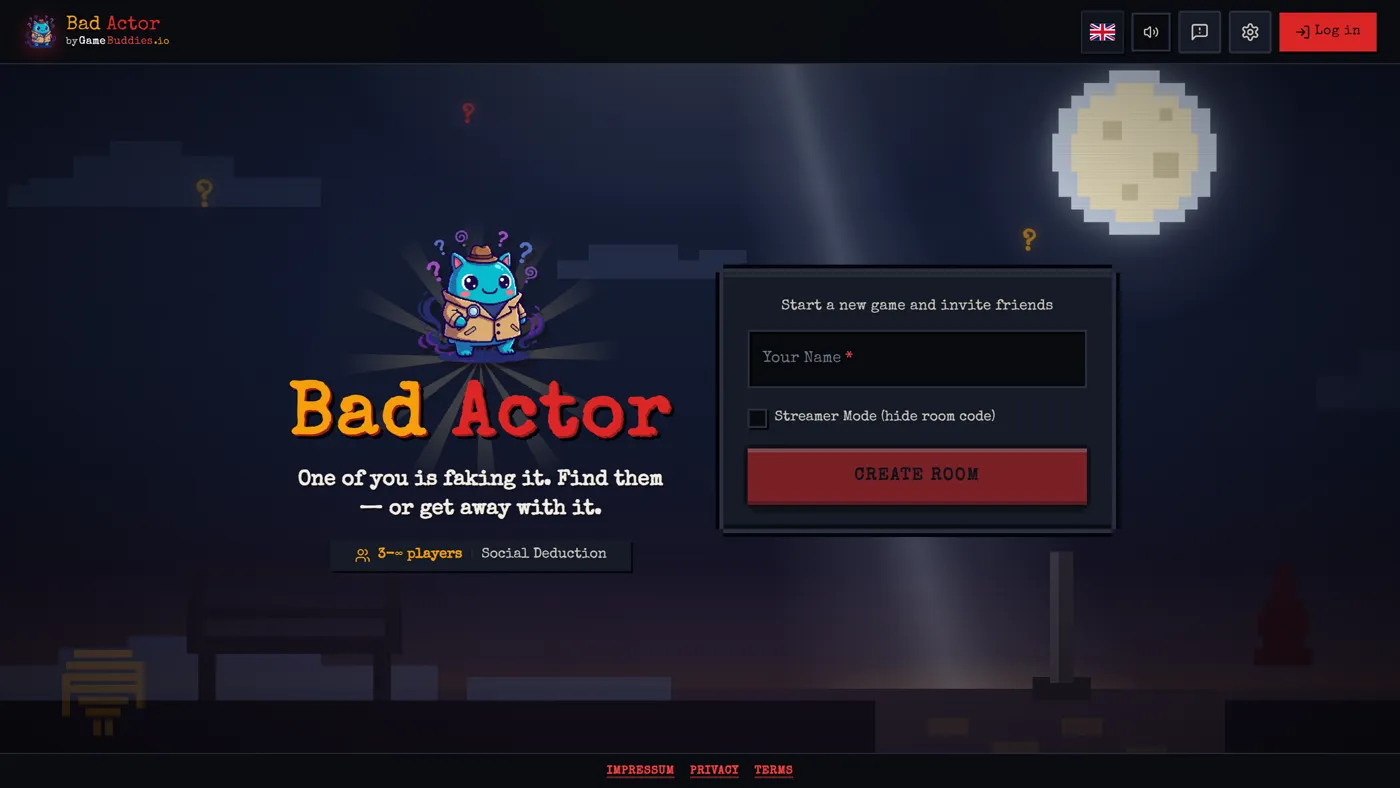
4. Bad Actor — social deduction where video chat is the whole point
Players: 4-12 · Round length: 8-15 min · Virtual game night score: 10/10 (with video)
Bad Actor is the game that benefits the most from video chat. Social deduction is about reading faces, catching tells, noticing who looks nervous when someone names them. All of that requires video. Without it, Bad Actor is still good — with a Discord video call, it's the best game on this list.
Why it works on Zoom/Discord: the video call is a core mechanic. Seeing faces = catching lies.
5. ClueScale — the small-group strategic pick
Players: 3-6 · Round length: 10-15 min · Virtual game night score: 9/10
ClueScale is a scale-based clue game — one player knows the answer, the others have to guess it, but the clue-giver can only use a sliding scale (hot/cold, big/small, loud/quiet). It's thoughtful, slow-paced, and rewards groups who know each other.
Why it works on Zoom/Discord: low-bandwidth, no reflex gameplay, great for relaxed "sipping wine on the sofa" game nights.
6. Prime Suspect — the 4-player card game slot
Players: 2-6 · Round length: 10-15 min · Virtual game night score: 8/10
Prime Suspect is a card-based detective deduction game (Love Letter style). Good for a 4-player virtual game night specifically — many card games need you to be physically at the same table, but Prime Suspect is designed for remote play.
Why it works on Zoom/Discord: each player's hand is private on their own device; reveals happen in the shared game screen.
7. Hot Potato — the icebreaker
Players: 3-16 · Round length: 3-6 min · Virtual game night score: 8/10
Hot Potato is the game you open with. Quick rounds, fast elimination, everyone gets to play even if they joined the call five minutes late. Use it for the first 10 minutes of a virtual game night while you're waiting for the last person to figure out where they put their laptop charger.
8. Bingo Buddies — the one for 20+ person virtual events
Players: 2-50+ · Round length: 5-15 min · Virtual game night score: 7/10
Bingo Buddies is the answer to "we're doing a virtual holiday party for 30 people and need one game everyone can join." Host writes the topic, everyone gets a card, rest is bingo. Works for remote all-hands, virtual birthdays, and any group that's too big for a normal party game.
9. Schooled — for classroom-style virtual game night
Players: 3-30+ · Round length: 10-20 min · Virtual game night score: 7/10
Schooled was built for actual classrooms (that's the name) but it works for virtual team-building and virtual quiz nights. It has a scoreboard, structured rounds, and enough scaffolding that a non-gamer host can run it over a Zoom call.
10. Letter Rush — competitive word play
Players: 2-8 · Round length: 3-5 min · Virtual game night score: 8/10
Letter Rush is speed-based word building. Short rounds, competitive, great when you only have 20 minutes before the next Zoom call starts.
11. Soundbite — music trivia over video
Players: 3-10 · Round length: 5-10 min · Virtual game night score: 6/10 (audio dependent)
Soundbite is the audio-guessing game. Important caveat: this one is audio-dependent, so it only works if everyone on the video call has decent audio quality. If your group includes someone on a flaky mic or someone using built-in laptop speakers, it's worth running a 1-round test before committing to a full session.
12. Canvas Chaos (again, but for streamers)
Yes, this is a bonus entry. If you're streaming your virtual game night on Twitch or YouTube, Canvas Chaos has a streamer mode that hides room codes from the stream. Set-and-forget: enable streamer mode before the session, your viewers see everything except the join code, you avoid a stream raid when a troll joins.
What kills a virtual game night
Four things that consistently ruin virtual game nights. We've seen all of them.
1. Using a game that wasn't designed for remote play
Board games adapted to video-call format usually don't work. The turn pacing is wrong, the information sharing is awkward, and someone always has to be the screen-sharer. Browser games built specifically for remote play (like the ones in this guide) sidestep all of that because they're designed for this mode from the start.
2. Hosting without a practice run
Every virtual game night host should do one 5-minute test run before the actual session — just you and one friend, any game, full workflow (create room, share link, join, play one round, end). It exposes every setup problem before the full group is on the call waiting.
3. Assuming everyone has the same setup
Your group includes someone on a work laptop with a locked Chrome, someone on a phone, and someone on a 2016 iPad. A game that assumes everyone has a gaming keyboard will exclude half the group. Stick to browser games that work on mobile (every game in this guide does).
4. One game for the whole night
Don't plan to play one game for three hours. Plan to play three games for an hour each. Attention span over Zoom is shorter than in-person, and mixing up game types (drawing, trivia, deduction, quick rounds) keeps everyone engaged.
A sample 90-minute virtual game night schedule
For a group of 6-8 on Discord or Zoom:
| Time | Activity | Game |
|---|---|---|
| 0-10 min | Everyone joins, audio check | Hot Potato (warm-up) |
| 10-30 min | Main game 1 (creative) | Canvas Chaos |
| 30-50 min | Main game 2 (competitive) | Last Brain Standing |
| 50-75 min | Main game 3 (social) | Bad Actor |
| 75-90 min | Cool-down / chatting | No game — just the call |
Copy this for your first virtual game night and adjust from experience. The key pattern is: short warm-up → creative game → competitive game → social game → free chat at the end.
Virtual game night FAQ
What are the best free games for virtual game night over Zoom?
The best free games for Zoom virtual game night are Canvas Chaos, Last Brain Standing, Bad Actor, and ThinkAlike. All four are free browser games on GameBuddies.io, all work without screen-sharing, and all run on any device.
Do I need to install anything to host a virtual game night?
No. Every game in this guide is a free browser game — no installs, no Steam, no app store. The host opens gamebuddies.io in a browser, picks a game, and shares a room code. The whole setup takes under a minute.
Can I play virtual game night games on my phone?
Yes. All the games in this guide run on iOS and Android mobile browsers. No app download required. This matters because there's always one person on the call using their phone instead of a laptop, and you want a game they can actually play.
How do I host a Discord game night?
Start a Discord voice channel (or video channel for face cam), open gamebuddies.io, pick a game, and paste the room URL into the Discord text channel. Everyone in the voice channel clicks the link and joins the game while staying on the voice call. Zero extra setup.
What if someone has bad internet during virtual game night?
Stick to turn-based games (Canvas Chaos, Prime Suspect, Bad Actor) over real-time games (Last Brain Standing, Hot Potato, Letter Rush). Turn-based games forgive 10-second lag spikes; real-time games don't.
How many players is ideal for virtual game night?
Six to eight. Below four, most party games feel empty; above ten, the video call itself starts to struggle and people drop in and out. Six to eight is the sweet spot where everyone stays engaged and the call is still manageable.
Ready for your first virtual game night? Pick a game from gamebuddies.io, share the link in your group chat, and you're ready. More picks in the best free party games and 20 free browser games guide.
Related Reading
- Free Games to Play With Your Twitch Chat (No Bot, No Extension, No Download)
- Twitch Community Games: What They Are, How Viewers Join, and 8 Free Formats to Run
- How to Host a Community Game Night on Twitch (Setup, OBS, Chat Commands, Moderation)
- How to Play Tier Battle: Rules, Scoring and Strategy for the Ranking Party Game